Cosy Kitty Cafe
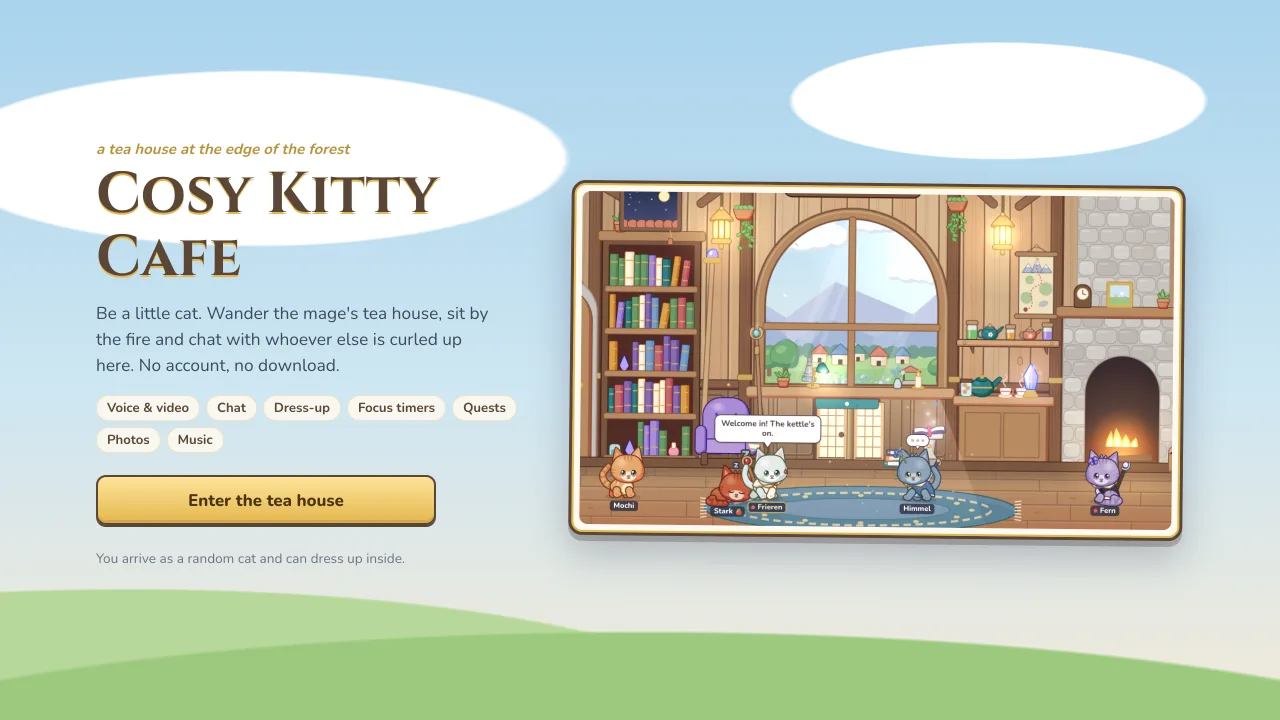
A little chat room for friends co-working from home as cats. Hang out in a cosy tea house with chat, voice and video calls, and focus timers to work through together. Share a link and you’re in, with no account or download.
Play nowGetting in
- No account: Press “Enter the tea house” and you arrive in the public room as a random cat, ready to dress up inside.
- Private rooms: Make your own tea room with a link to share. Invite copies the link for you.
- Room size: Up to 50 cats per room. When one fills up, newcomers go to an overflow room.
- Remembered: Your name and look are saved, so next time it’s just “Coming back as…” and one click.
- Dozing: Leave the tab alone and your cat dozes off. “Wake up” brings you back. When the game is updated, a note says the tea house was redecorated and asks you to refresh.
Chat
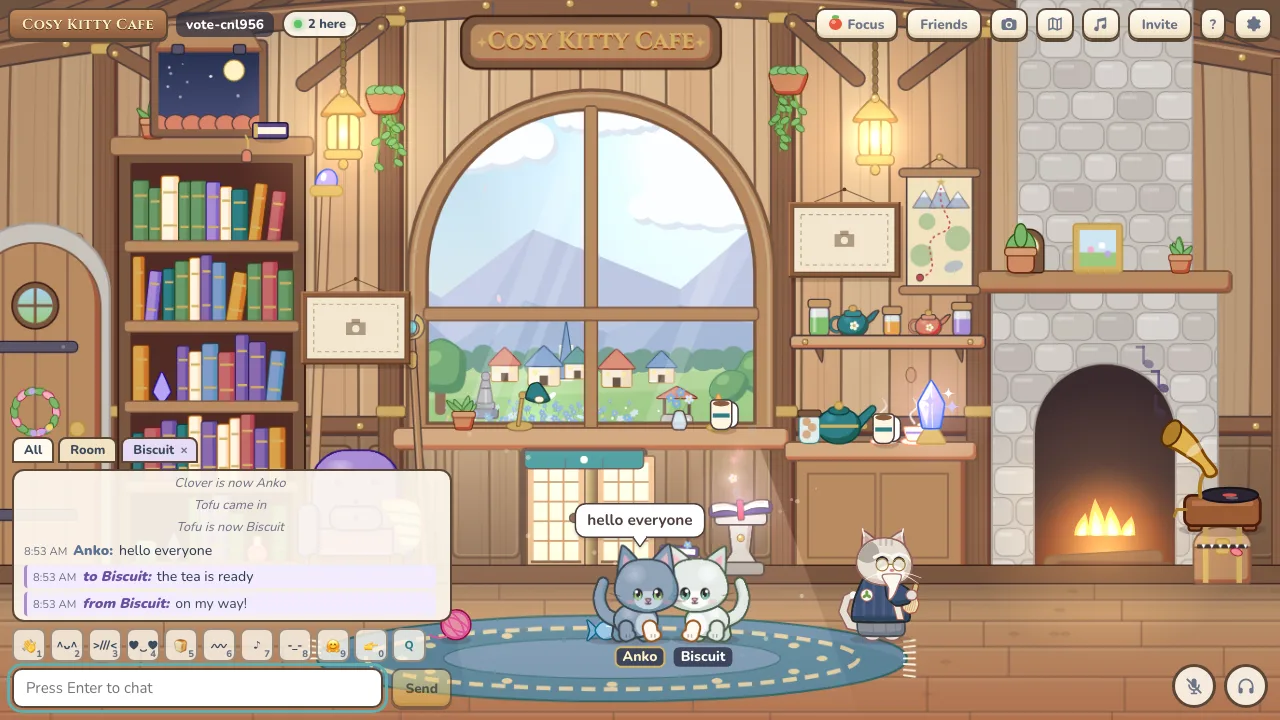
- Open anywhere: Enter, T or / opens chat. Messages float over the room and show as speech bubbles of up to 280 characters, with a typing indicator.
- Tabs: All, Room, Party and Focus tabs, plus a tab for each whisper conversation.
- Commands: /me, /w to whisper, /r to reply, /name, /focus, /map, /vote, /photo, /album and /help.
- Mentions: Get a notification when someone says your name.
Voice and video
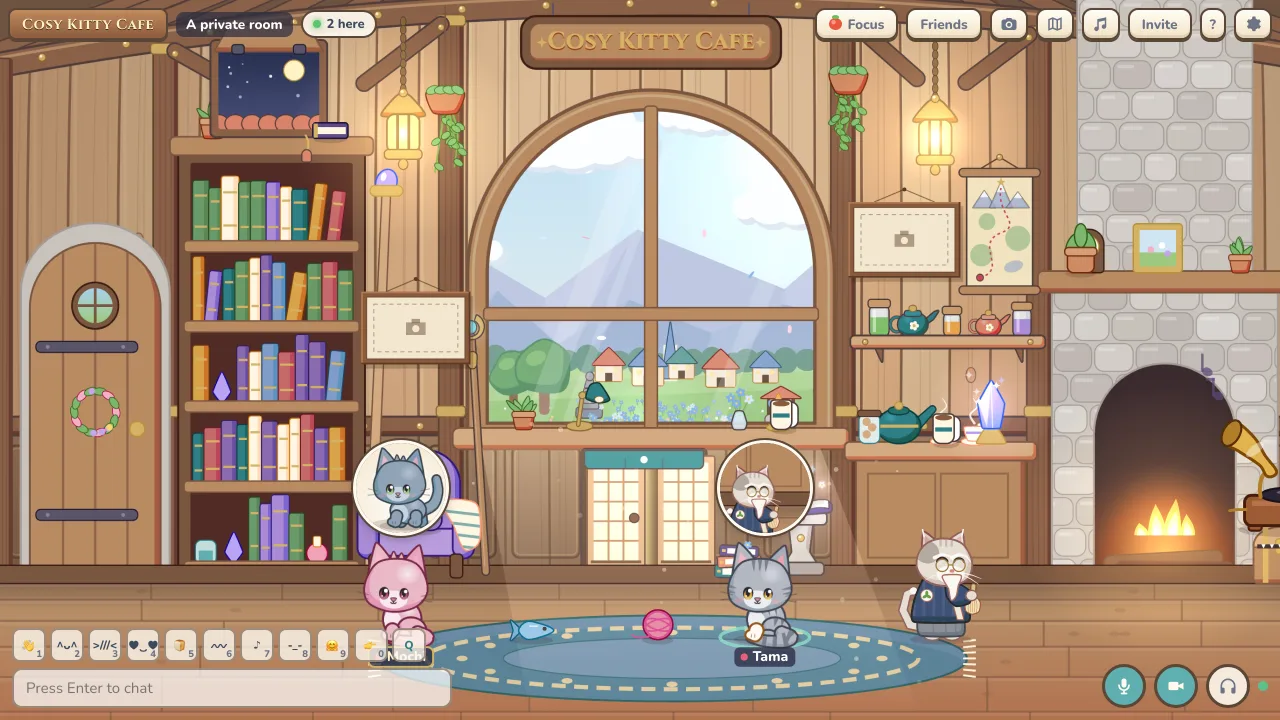
- Proximity voice: Voice works in every room and gets quieter the further away a cat is, with up to 8 voices at once.
- Cameras: In private rooms, turn your camera on and a round video bubble floats over your cat. Up to 4 cameras at a time.
- Controls: Mic, push to talk on V, camera, deafen, and mute for any one cat.
- Devices: Pick your microphone, speakers and camera in Settings.
Focus timer
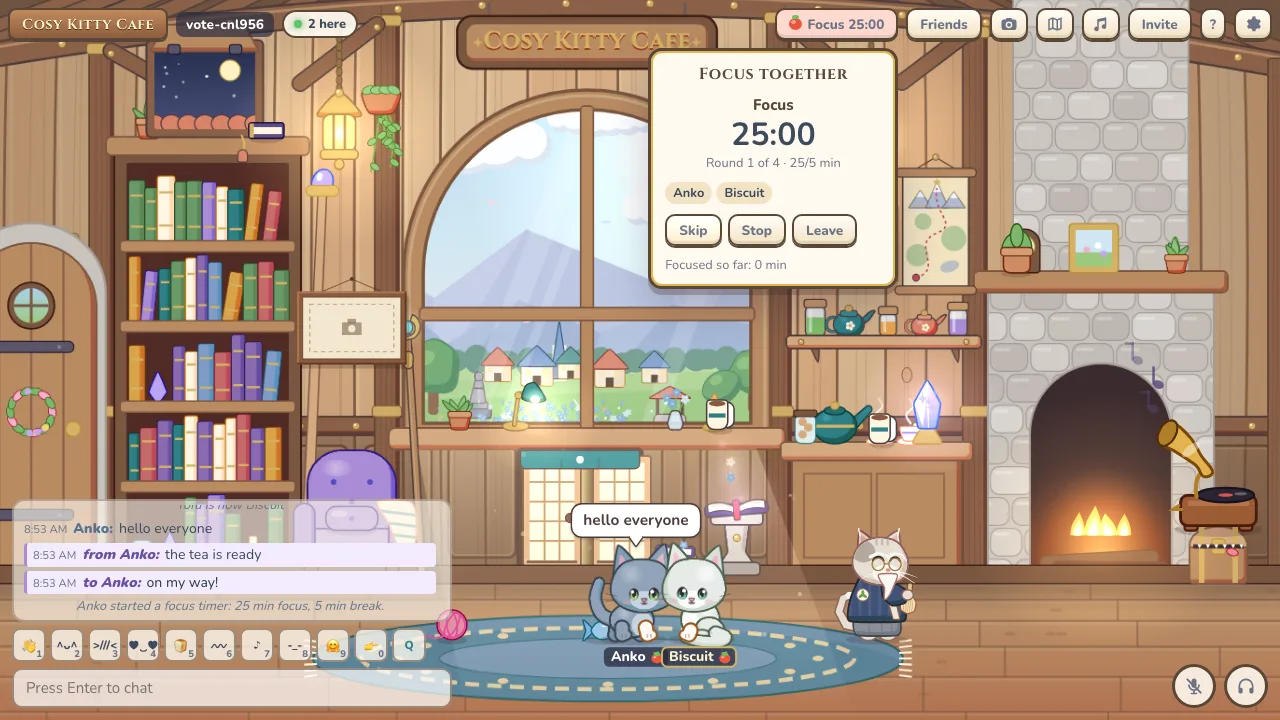
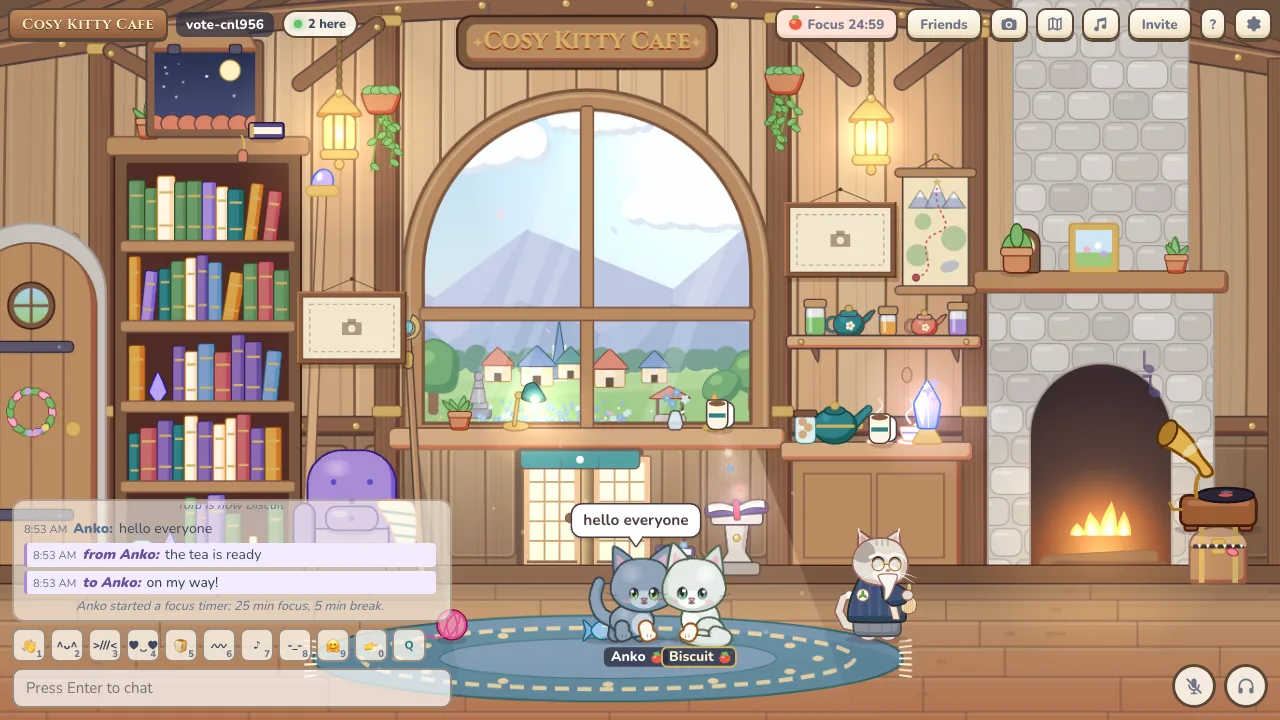
- Work together: Start a focus timer with 25/5 or 50/10, or set 5 to 90 minutes of work, 1 to 30 minutes of break, and 1 to 12 rounds.
- Join in: Up to 50 cats can join one timer, with Join, Leave, Skip and Stop.
- Quiet chat: Chat from focusing cats goes to the Focus tab, and focusing cats can’t be swatted.
Friends
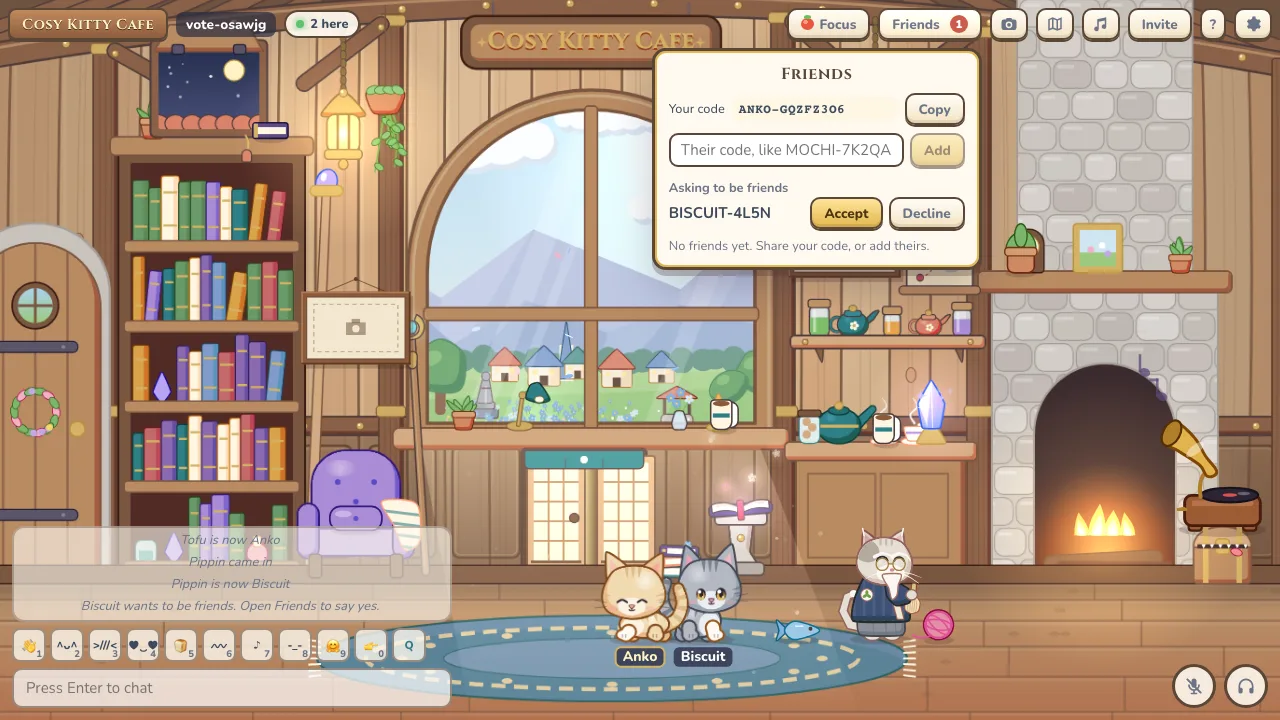
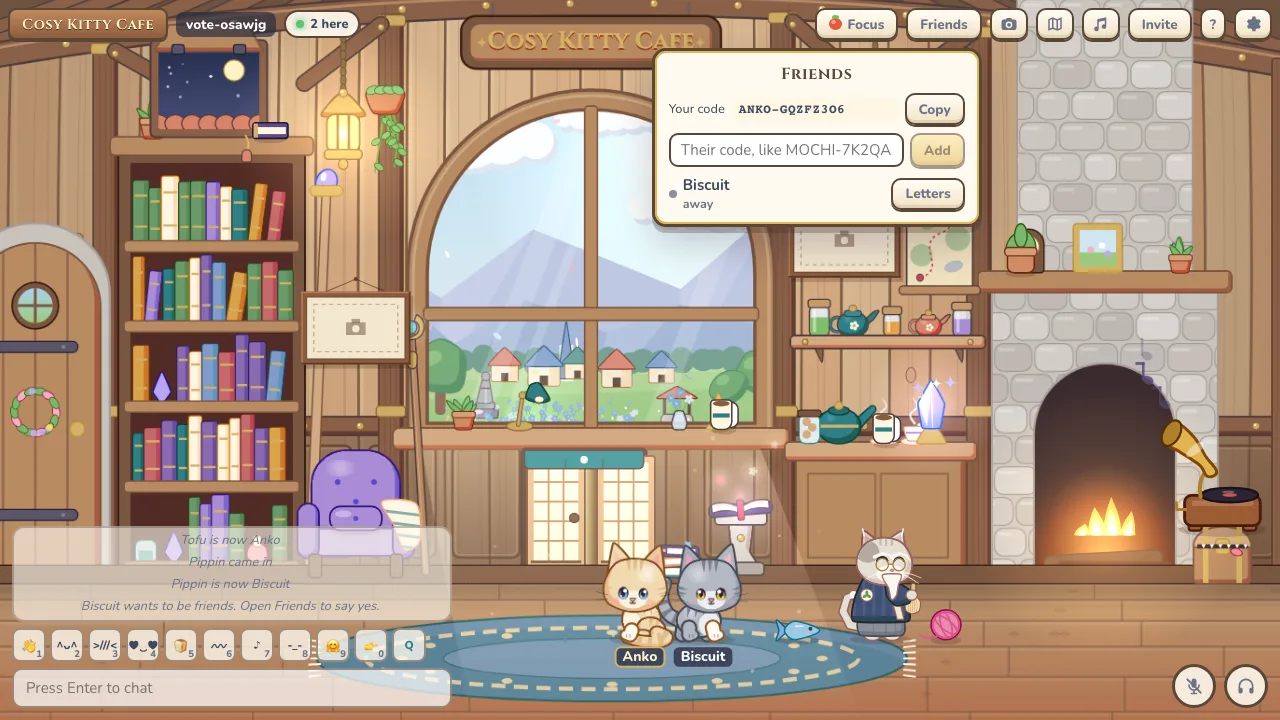
- Friend codes: Every cat has a code like MOCHI-7K2Q to share, or add a friend straight from their cat menu.
- Friends list: Up to 100 friends, with who’s online, which room they’re in, and a button to join them.
- Letters and invites: Leave a letter for a friend who’s away. It waits up to a week. You can also invite friends to your room.
- Move to another device: Carry your cat and friends to another device with a QR code or link.
- People: See everyone in the room. The cat menu has Together, Whisper, Invite to party, Add friend, Mute and Block.
Expressions
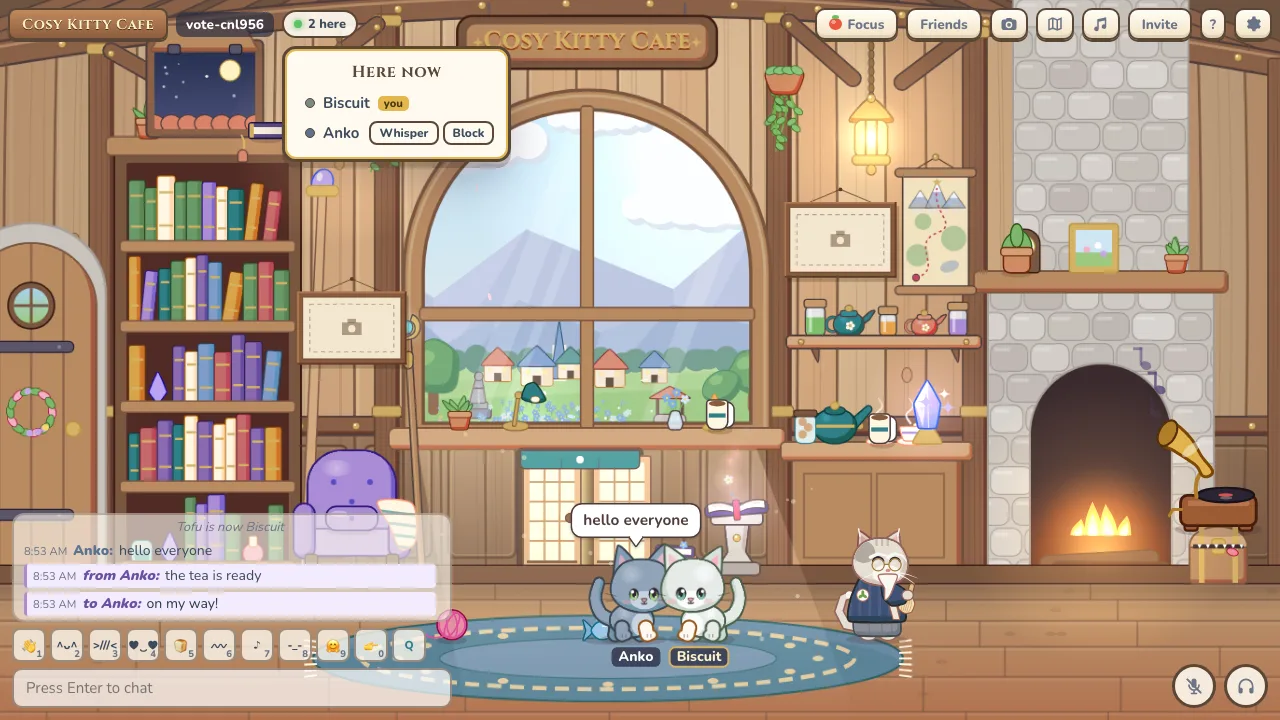
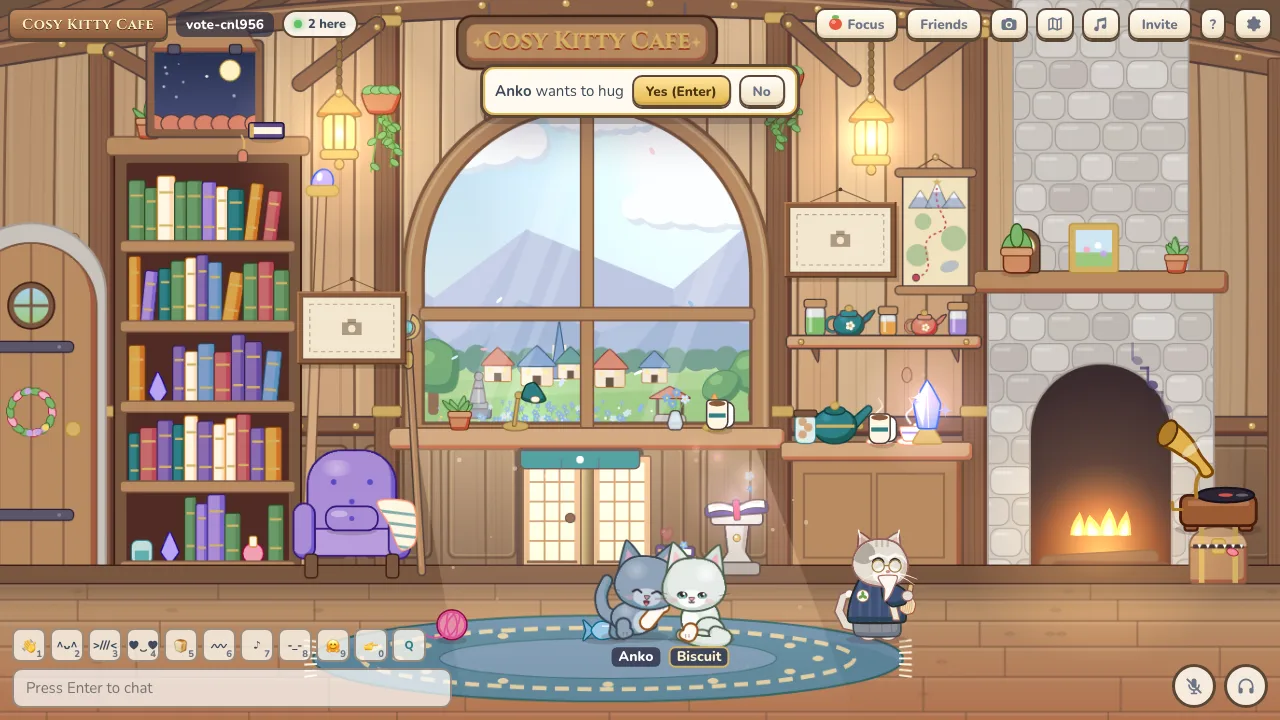
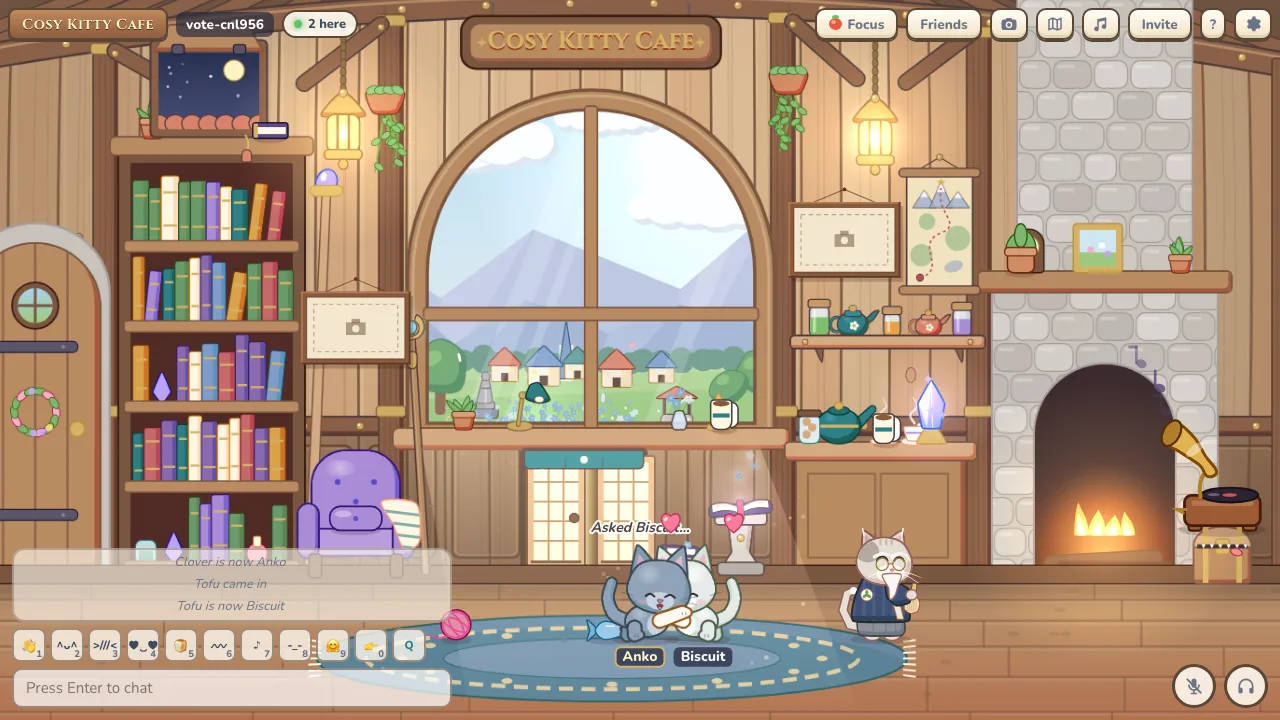
- 33 expressions: 13 faces, 16 actions and 6 together actions like hugs and high fives.
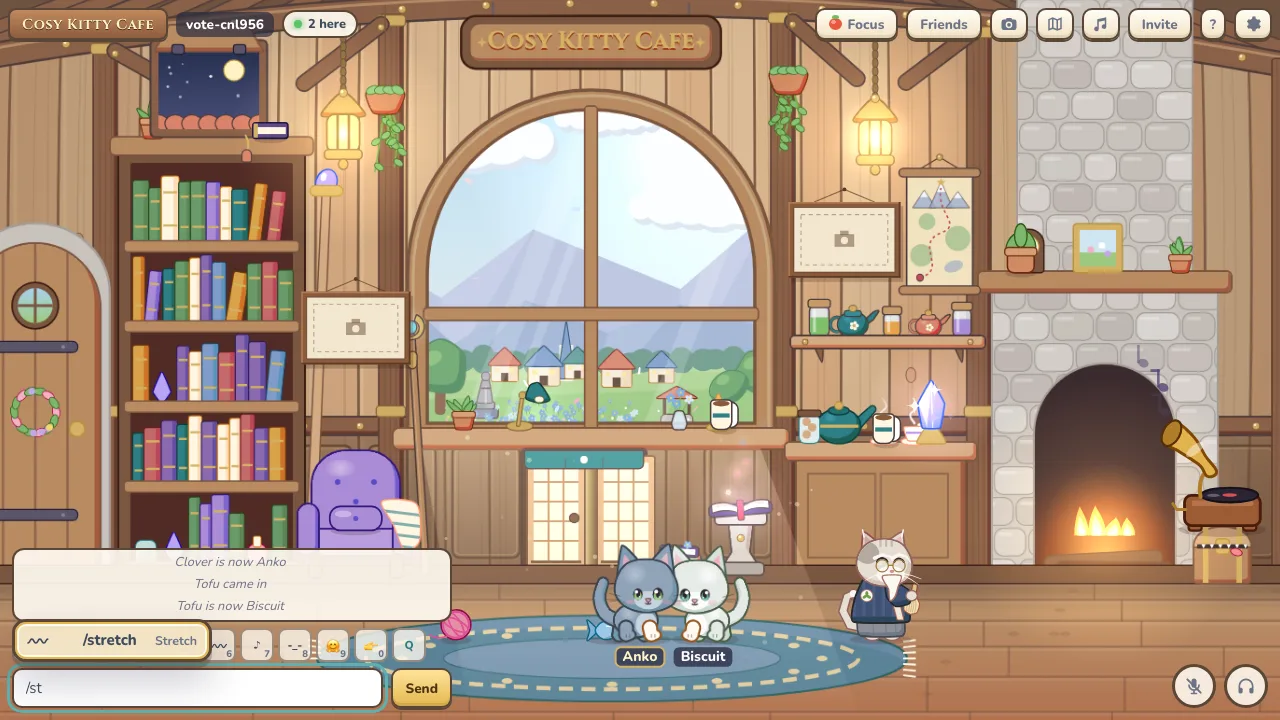
- Wheel and hotbar: Q opens the expression wheel. Keys 1 to 0 are hotbar slots you can fill with your favourites.
- Together actions: Ask another cat for a hug and they get 10 seconds to accept. Then both cats play it together.
- Slash commands: Every expression has a slash command with aliases, like /dance or /blush, and Tab autocompletes.
- Faces from chat: Typing :) or lol in chat makes your cat smile or laugh. It can be turned off.
- Seen by everyone: An icon pops up over your head so others see it too.
Photos
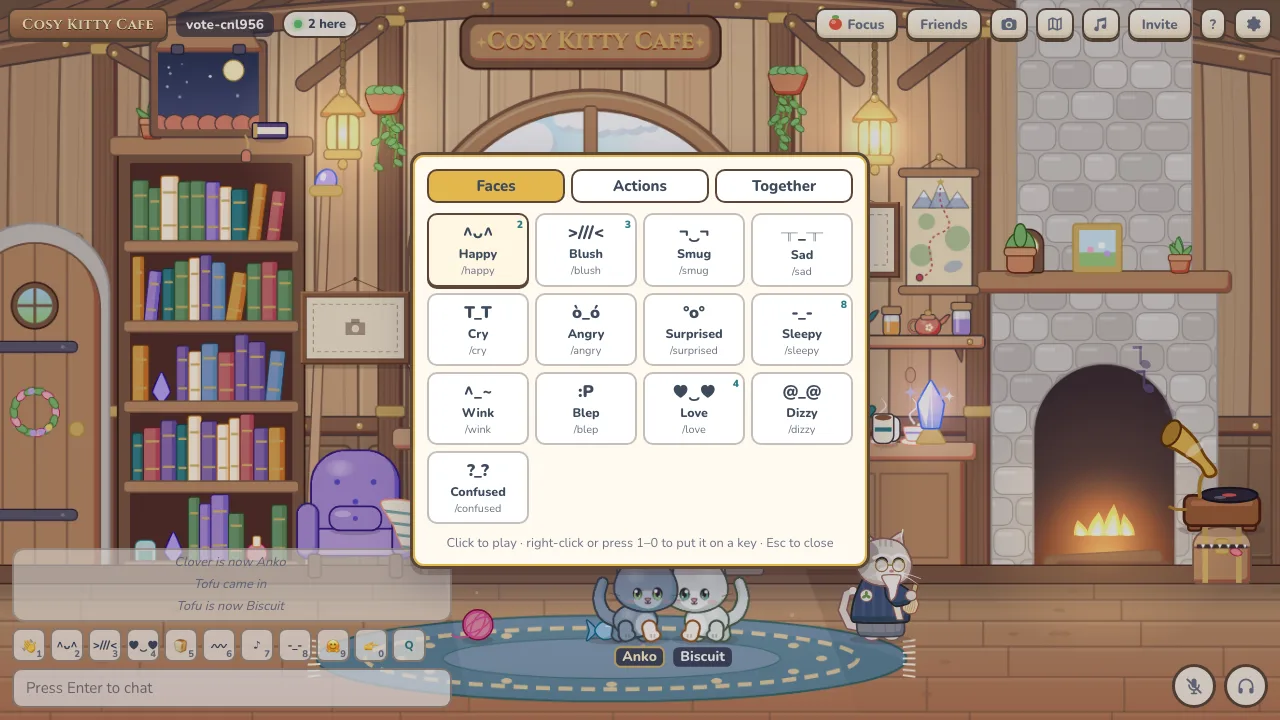
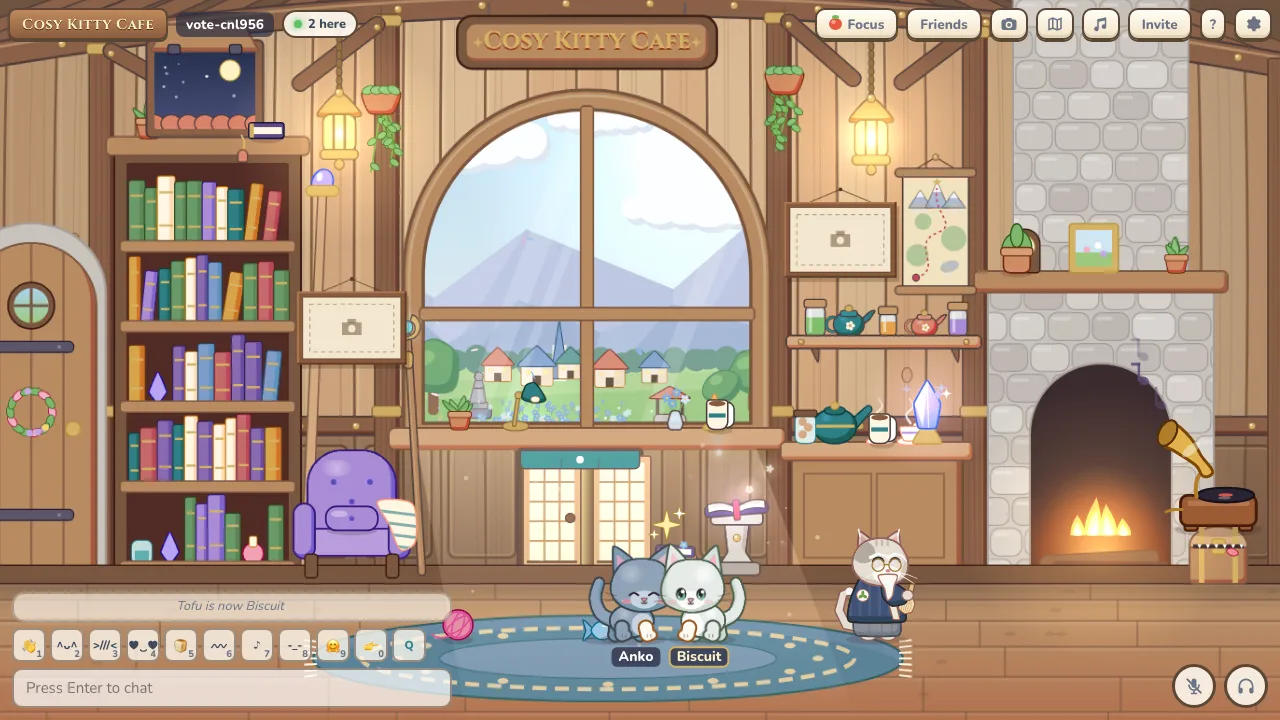
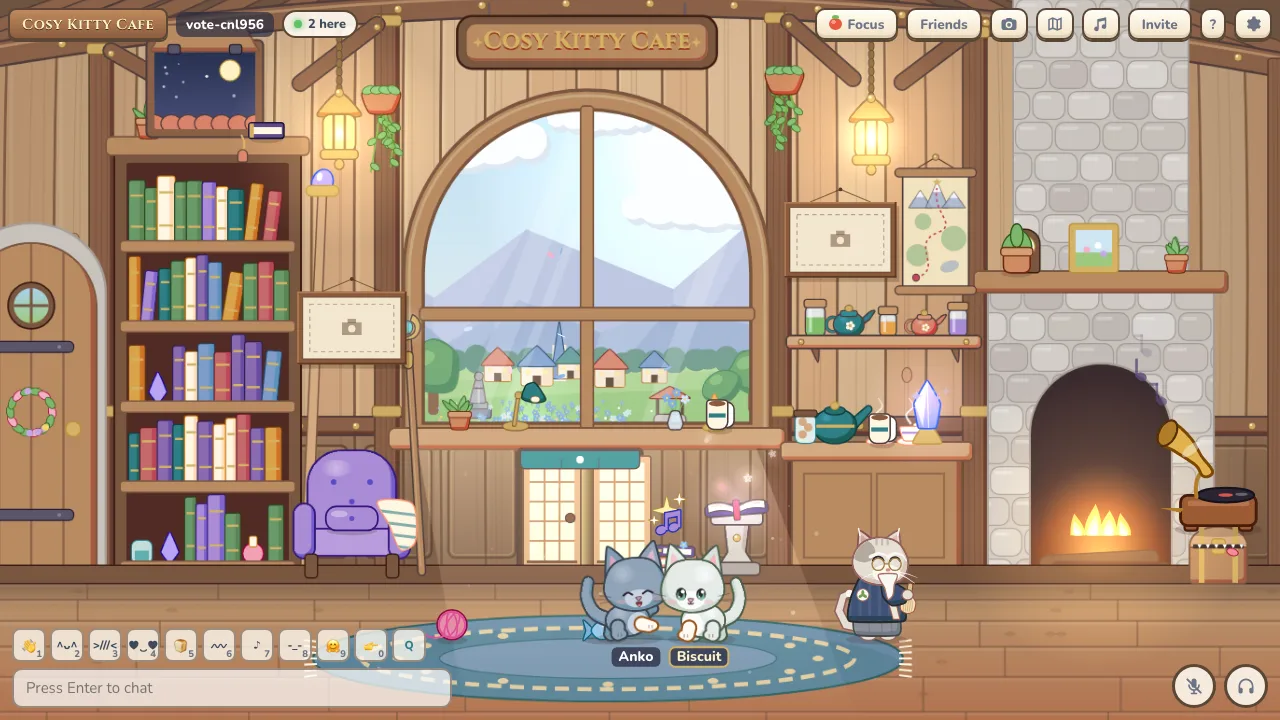
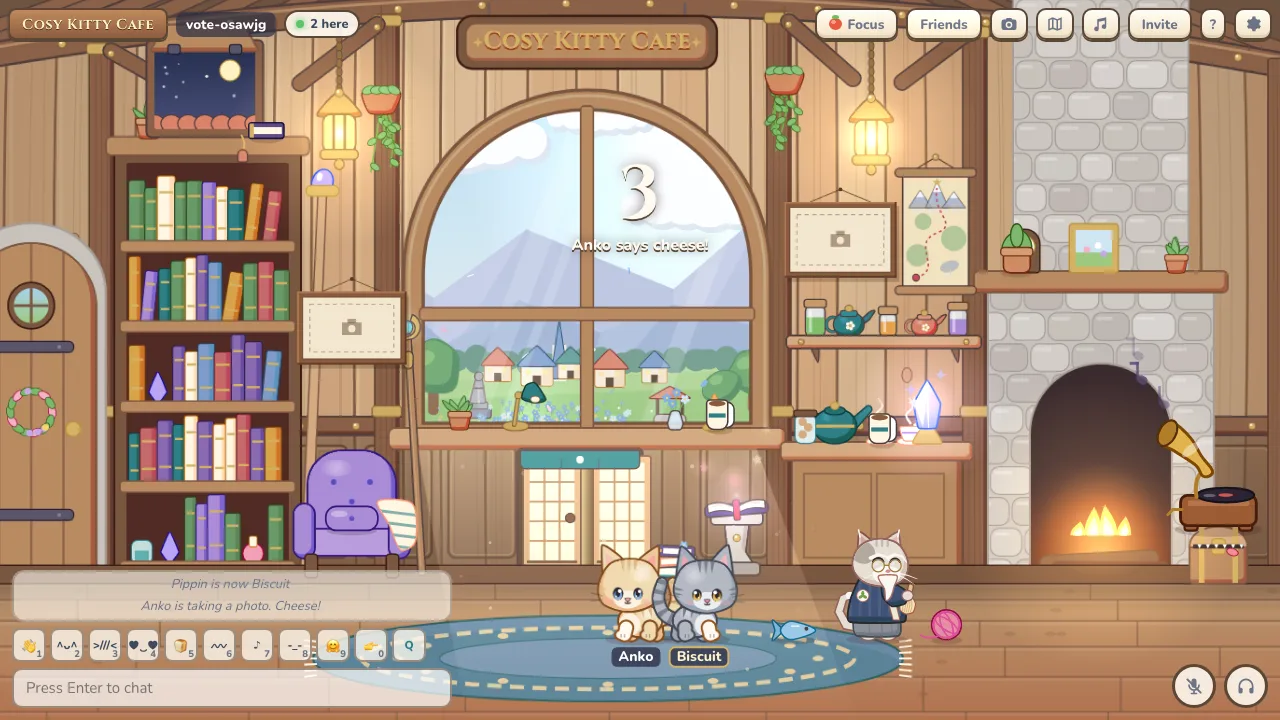
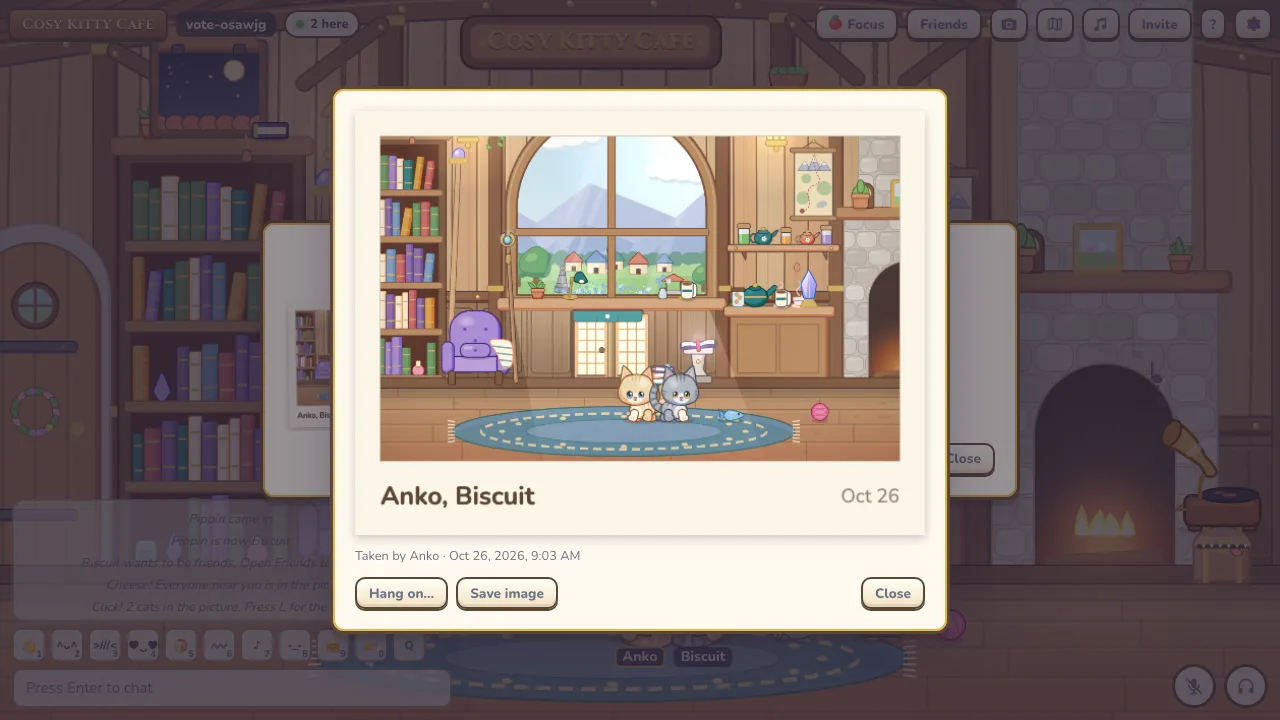
- Say cheese: C or /photo starts a 3 second countdown, then takes a photo of up to 20 cats with a caption of up to 60 characters. One photo every 30 seconds.
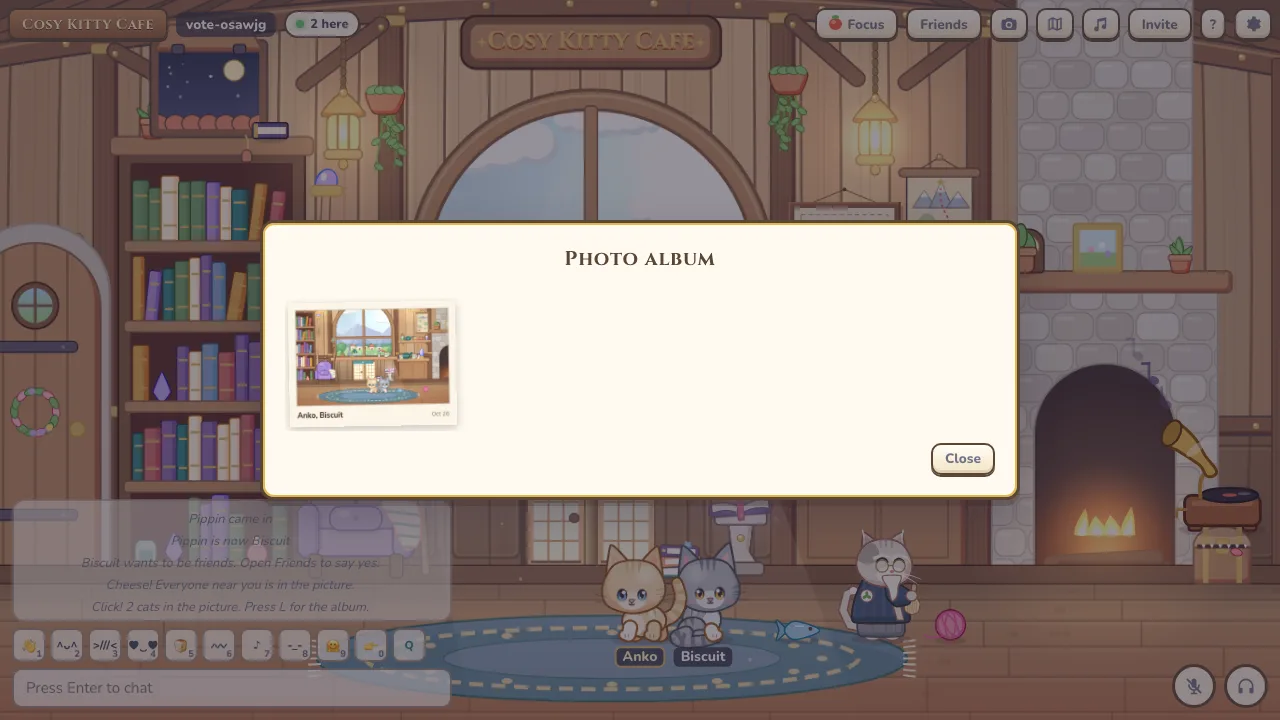
- Album: L opens the room’s album with the newest 60 photos.
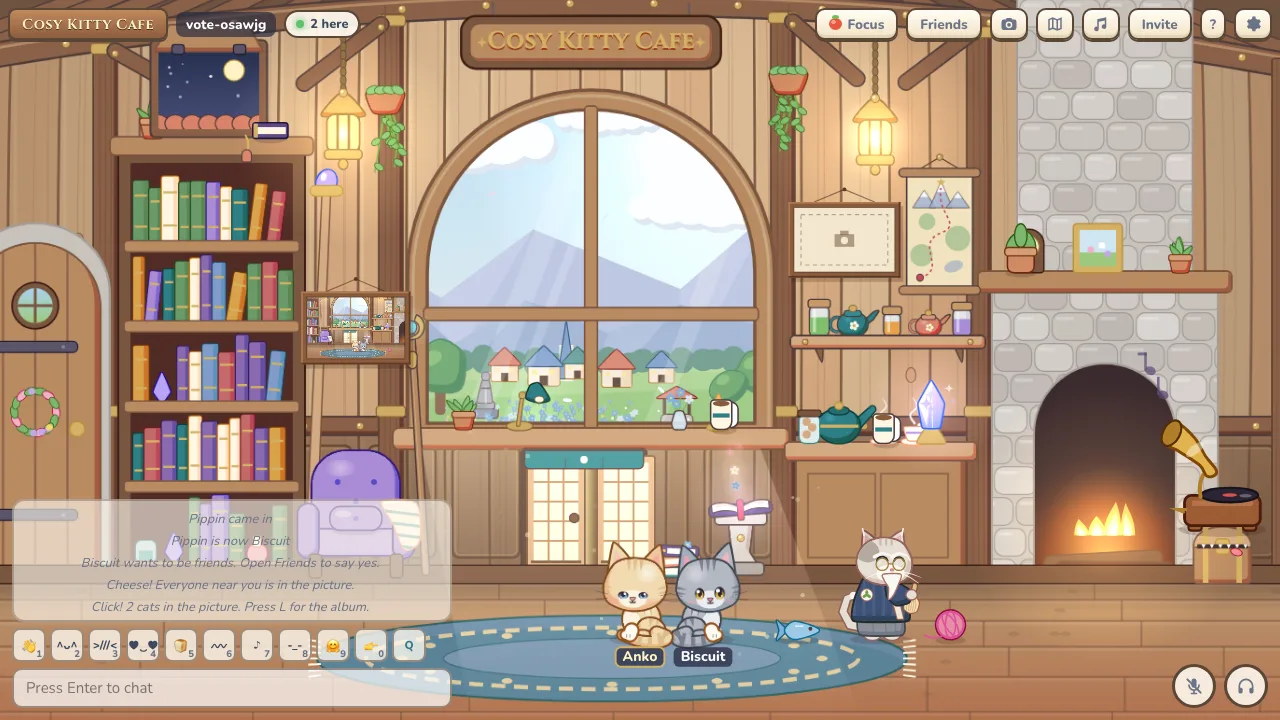
- On the wall: Hang a photo in a frame: two in the Tea House and one in the Tatami Room. In public rooms a hung photo stays up for at least 10 minutes.
Music
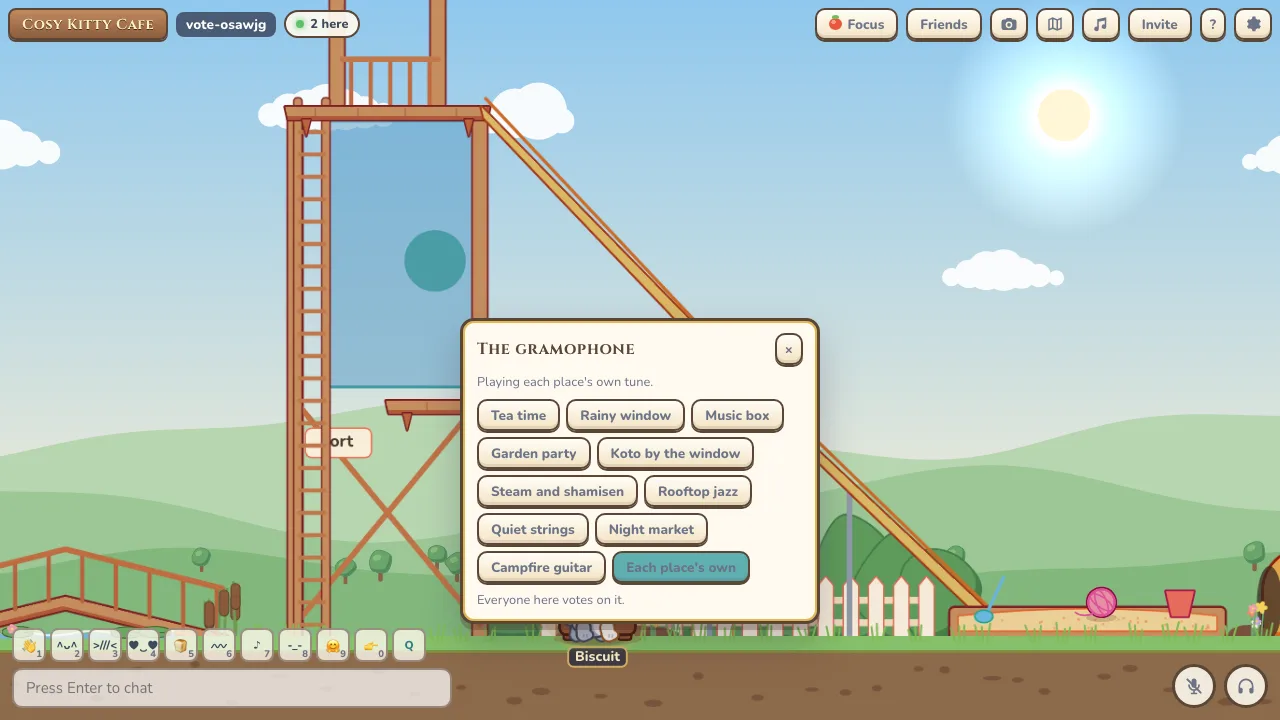
- 10 tracks: Tea time, Rainy window, Music box, Garden party, Koto by the window, Steam and shamisen, Rooftop jazz, Quiet strings, Night market and Campfire guitar.
- Gramophone: Every map has a gramophone. Press F next to it to change the record for the room.
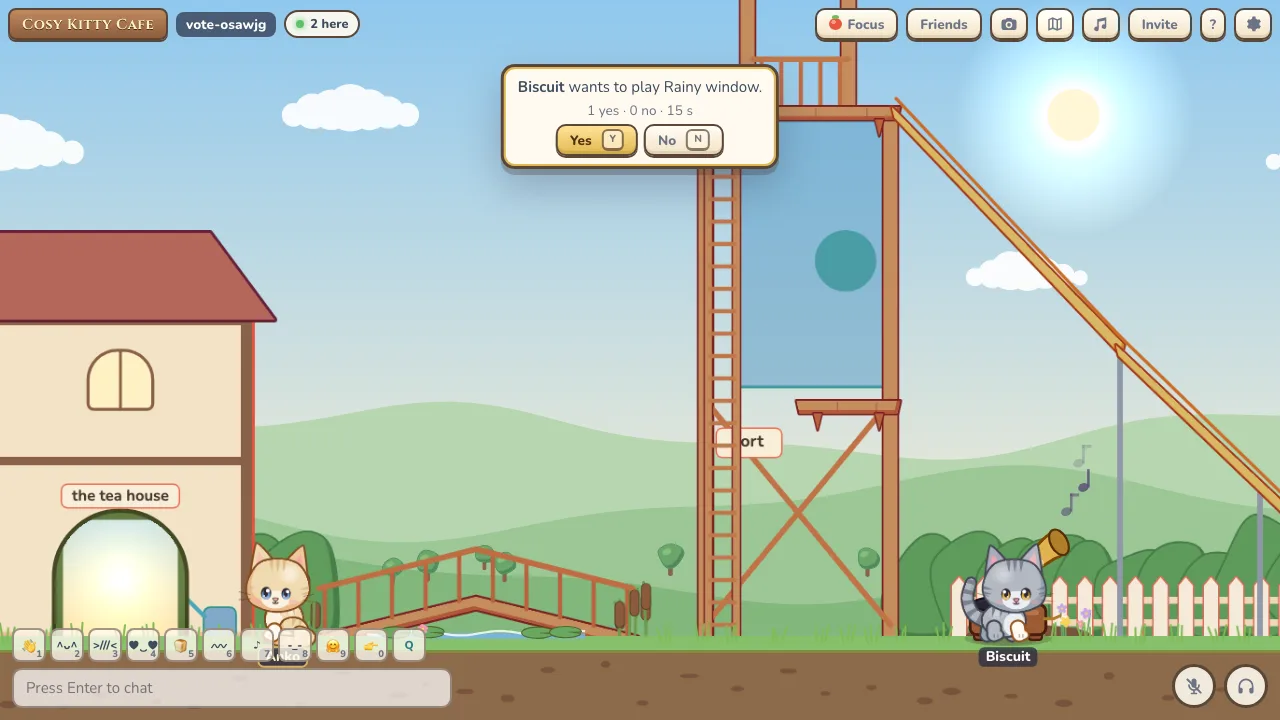
- Changing the record: Private rooms change at once with a 30 second cooldown. Public rooms hold a 15 second vote with a 5 minute cooldown.
- Your own music: Follow the room, pick your own track, or turn music off. Each place also has its own ambient sounds.
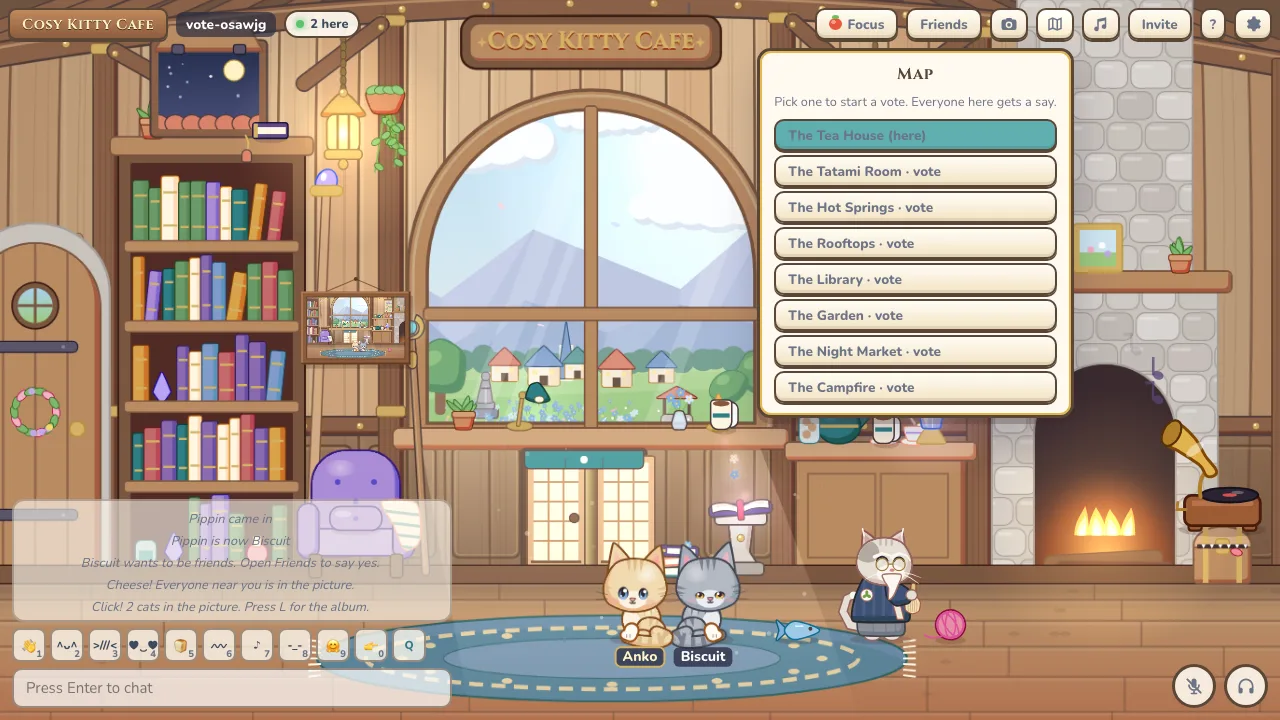
Maps
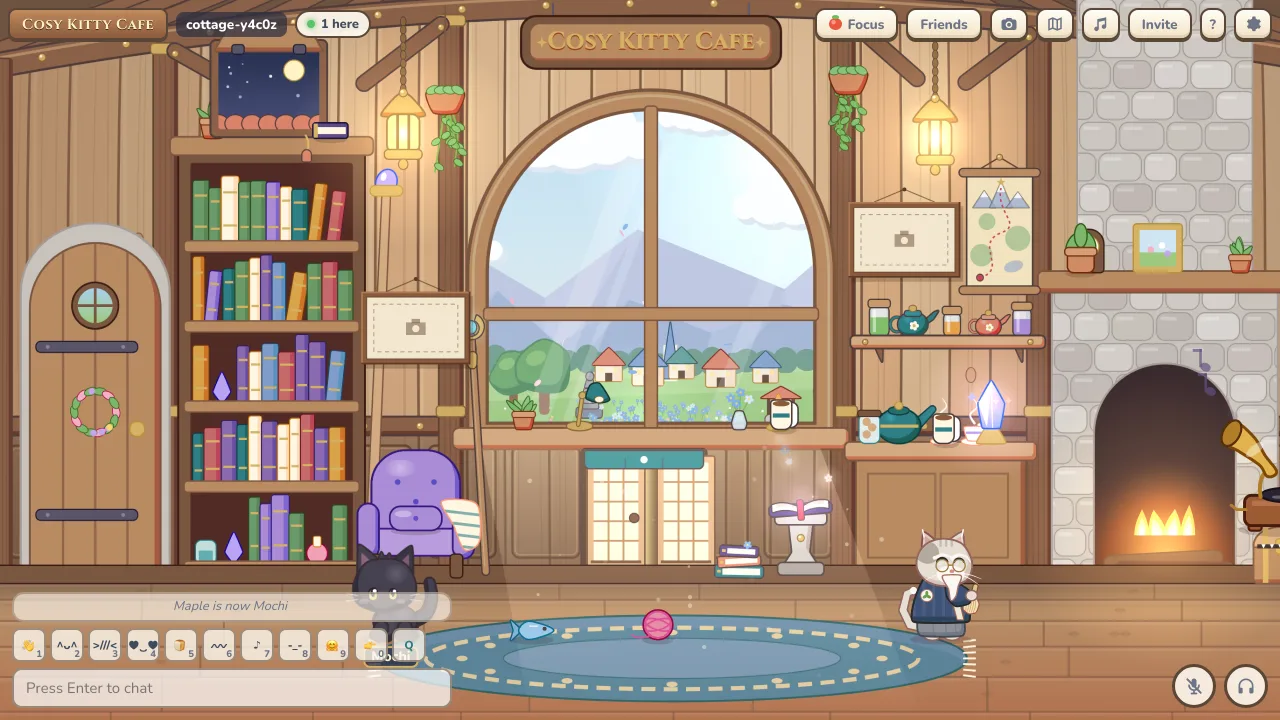
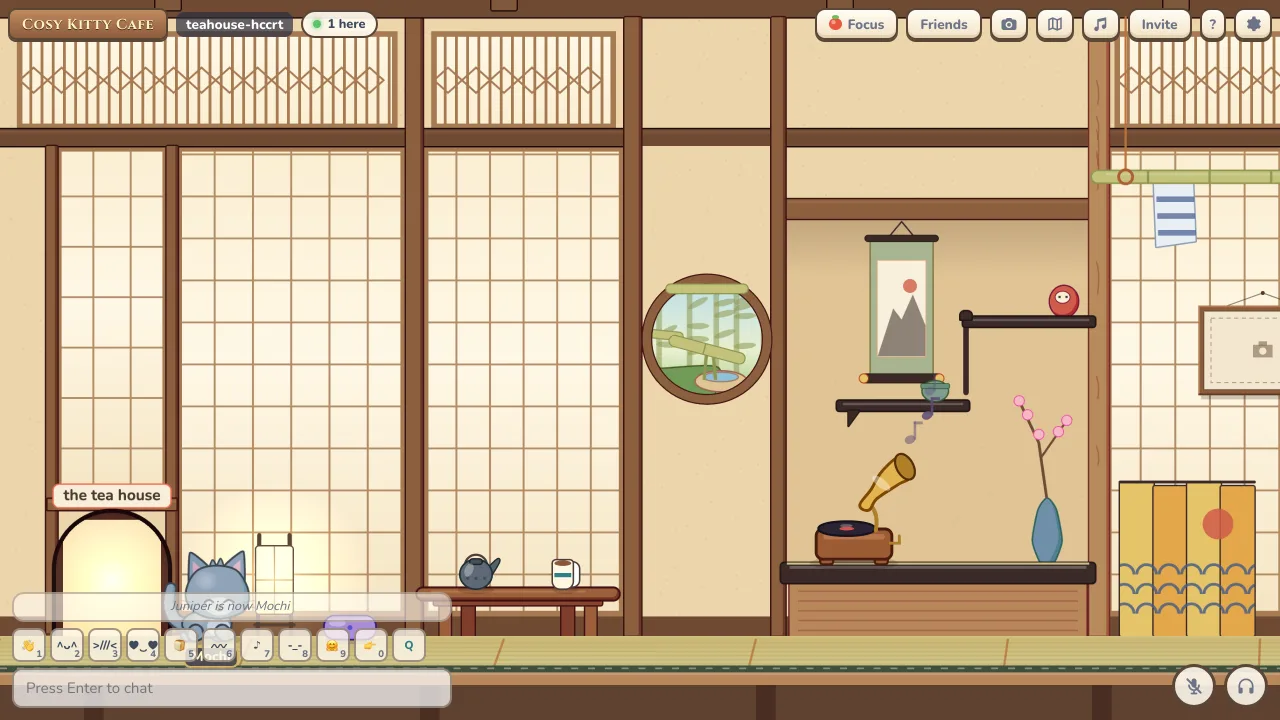
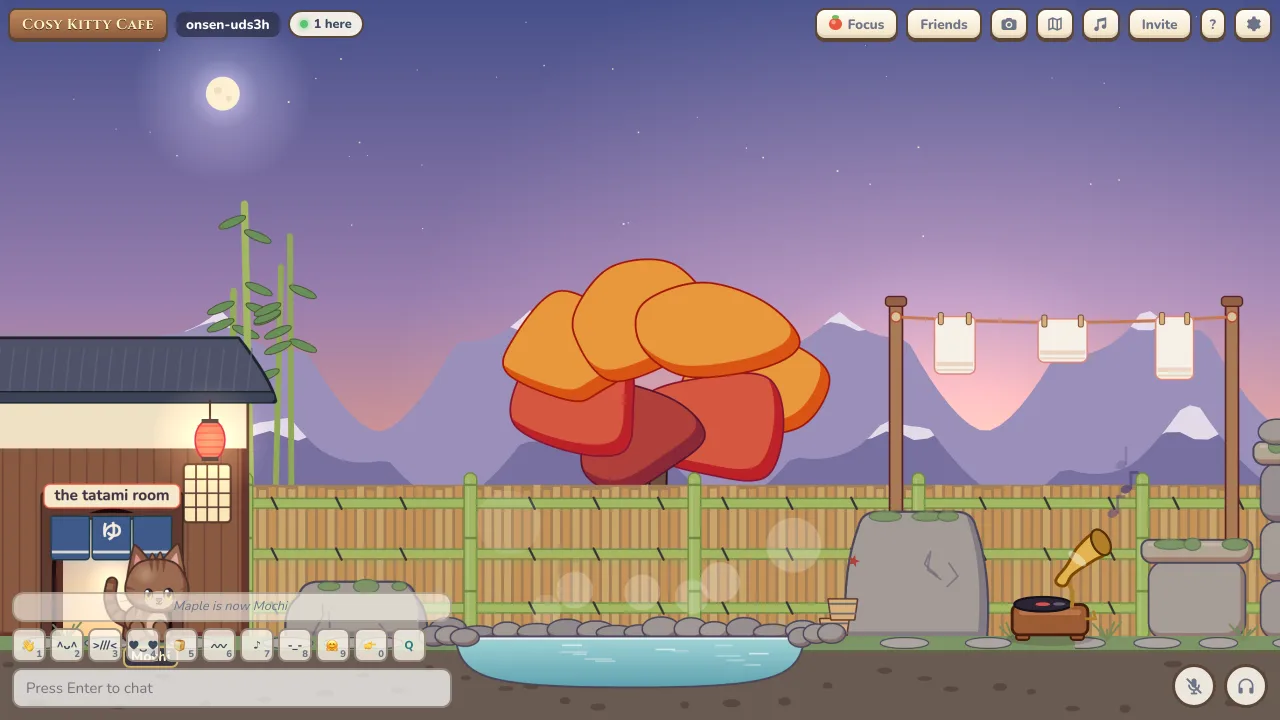
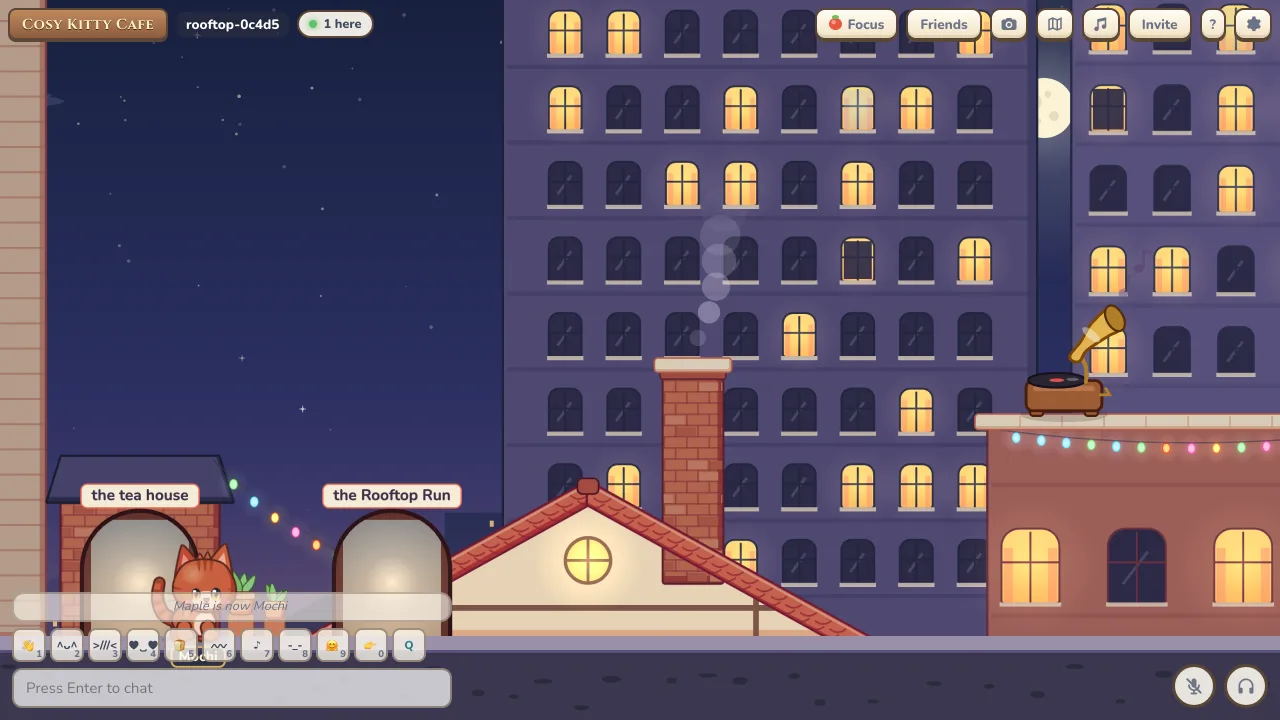
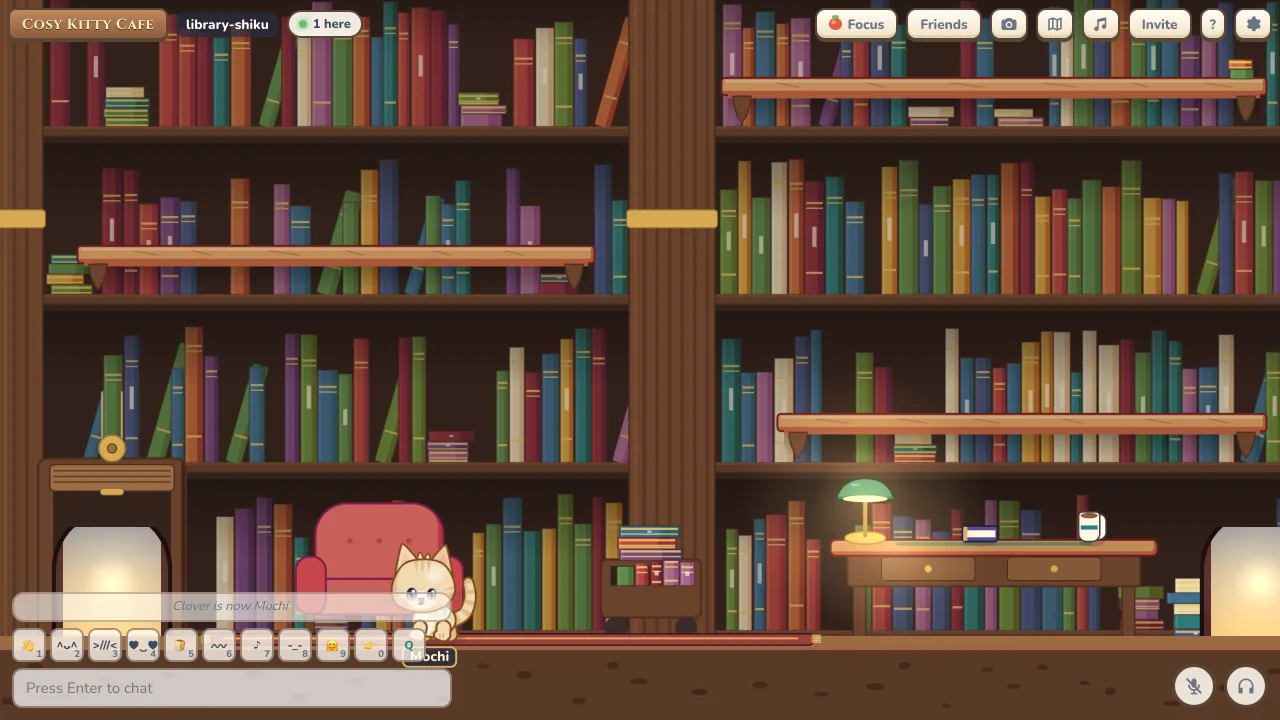
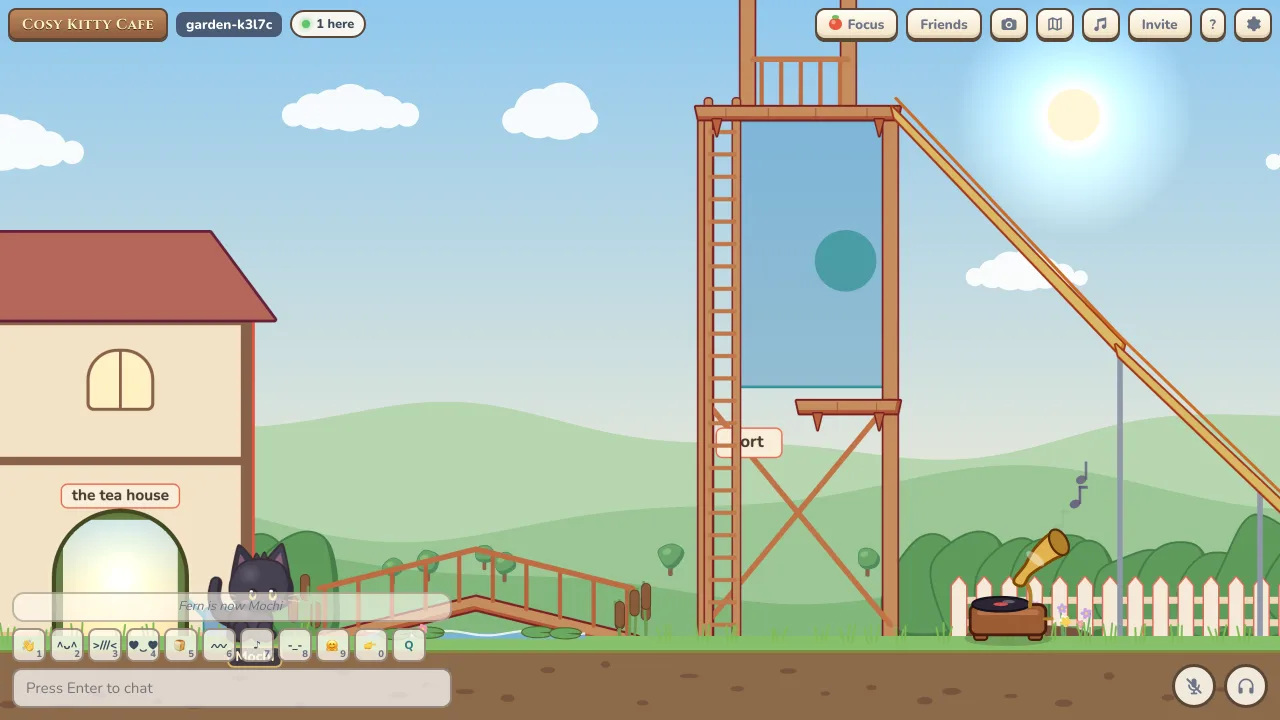
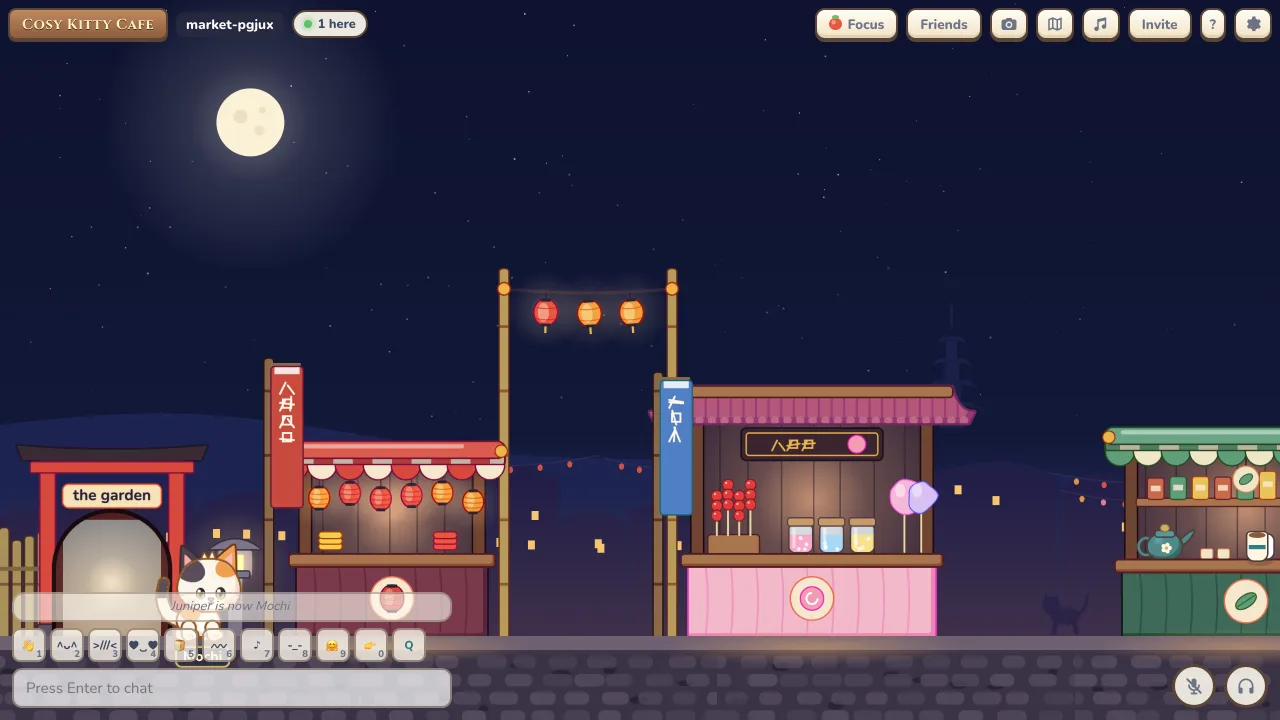
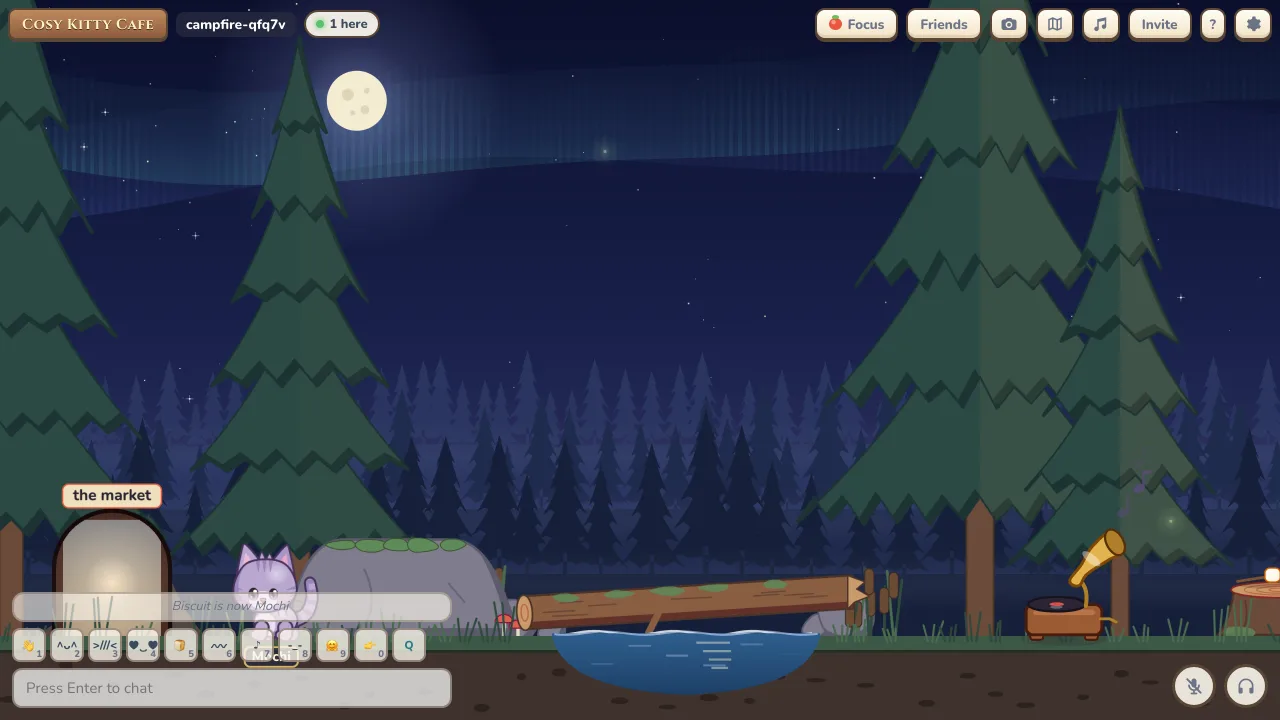
- 8 places: The Tea House, the Tatami Room, the Hot Springs, the Rooftops, the Library, the Garden, the Night Market and the Campfire.
- Private rooms: Pick a map and the room changes at once, with a 2 minute cooldown.
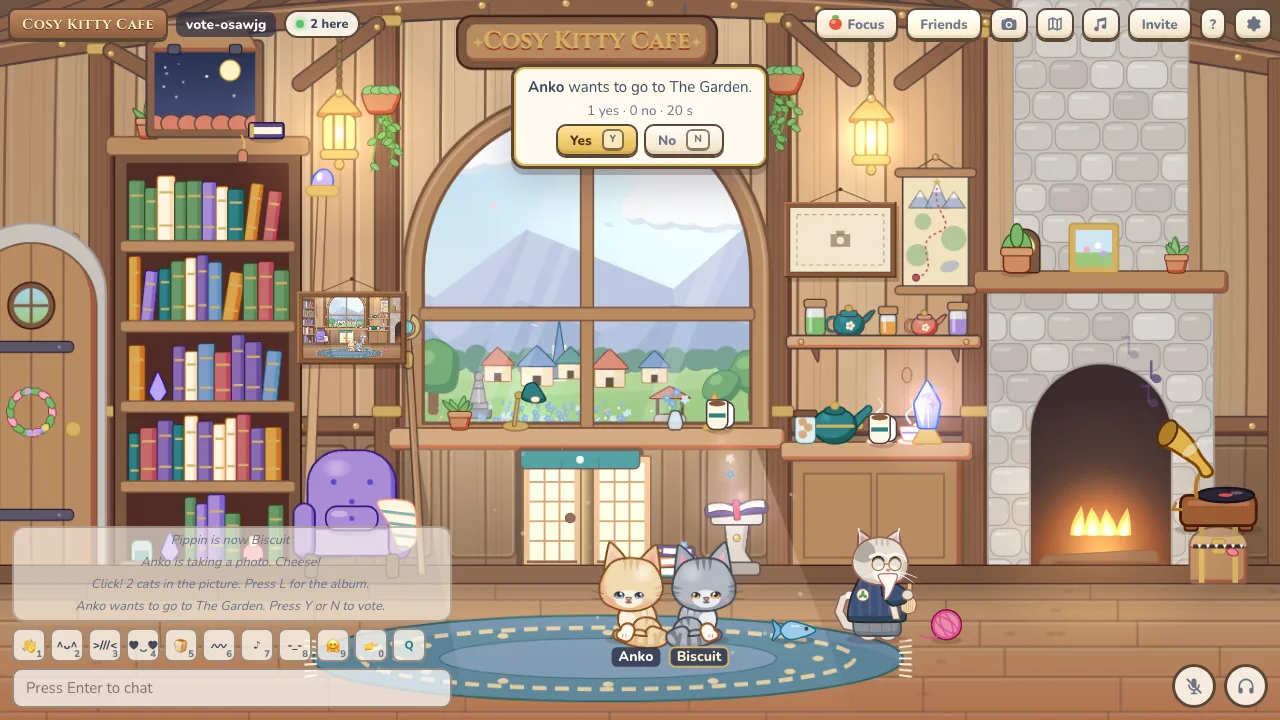
- Public rooms: Picking a map starts a 20 second vote. Everyone presses Y or N, and it passes with at least 2 yes votes and more yes than no. 10 minute cooldown.
The places
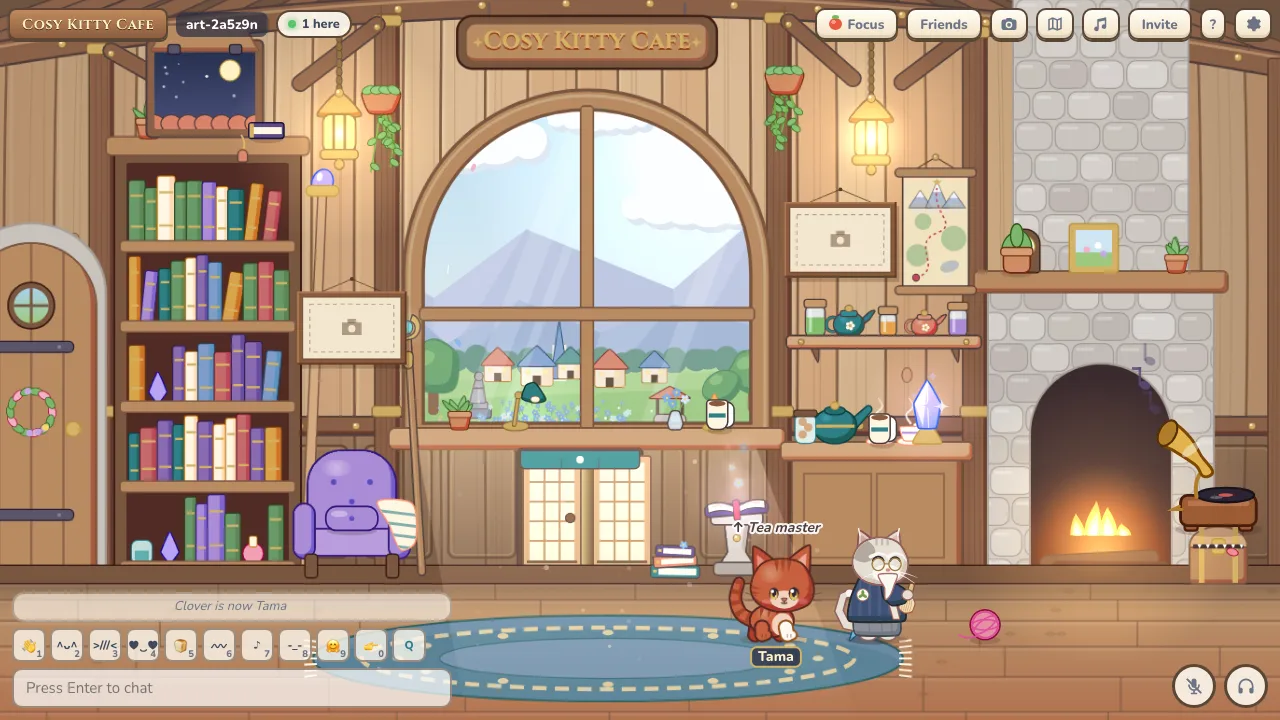
- The Tea House: Where everyone starts: a fireplace, bookshelves and the tea master.
- The Tatami Room: Paper screens and a drying pole to hang from.
- Hot Springs: Three warm pools to soak in and a cold plunge.
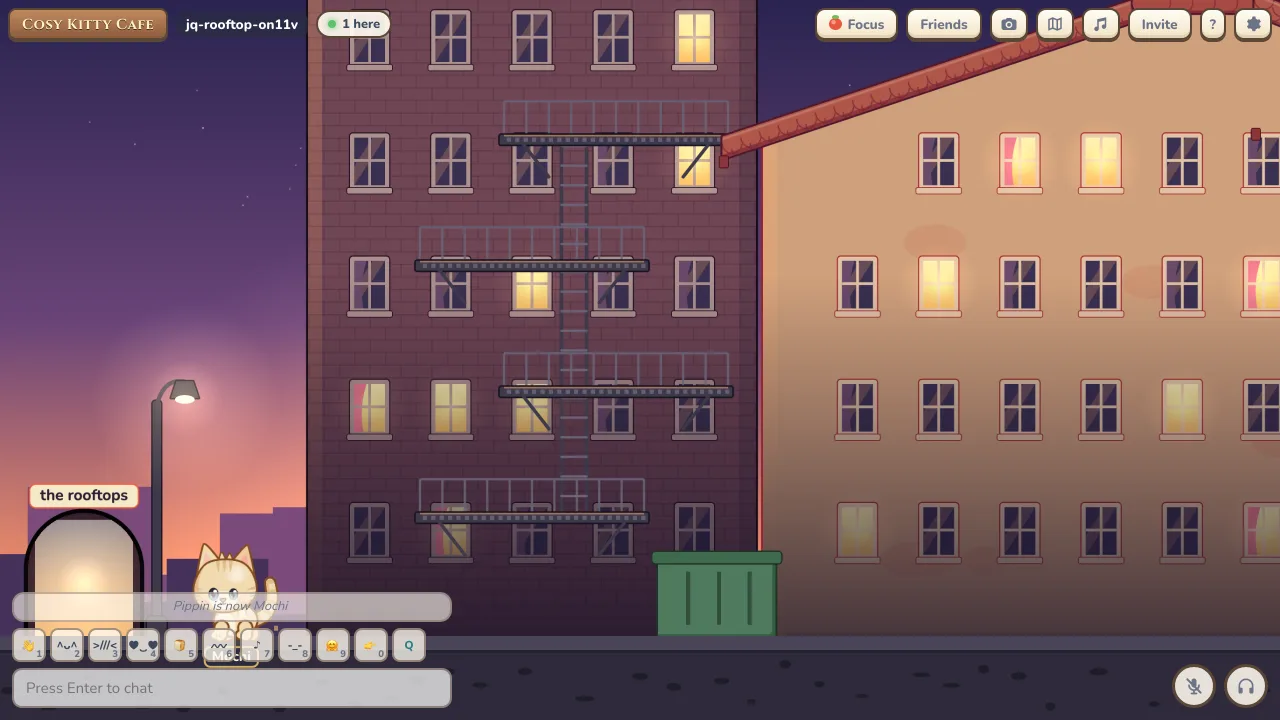
- Rooftops: Tiles over the town and a sky bridge to the Library.
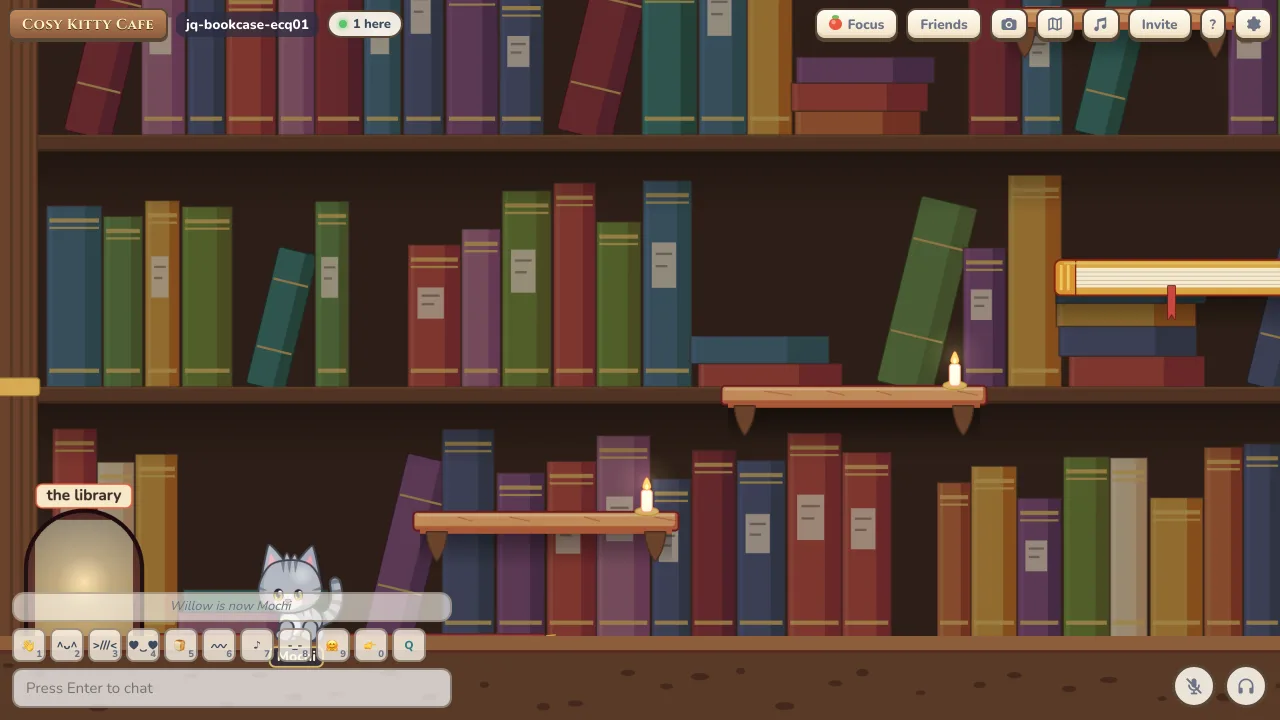
- Library: A tall climb up the shelves with a book lift.
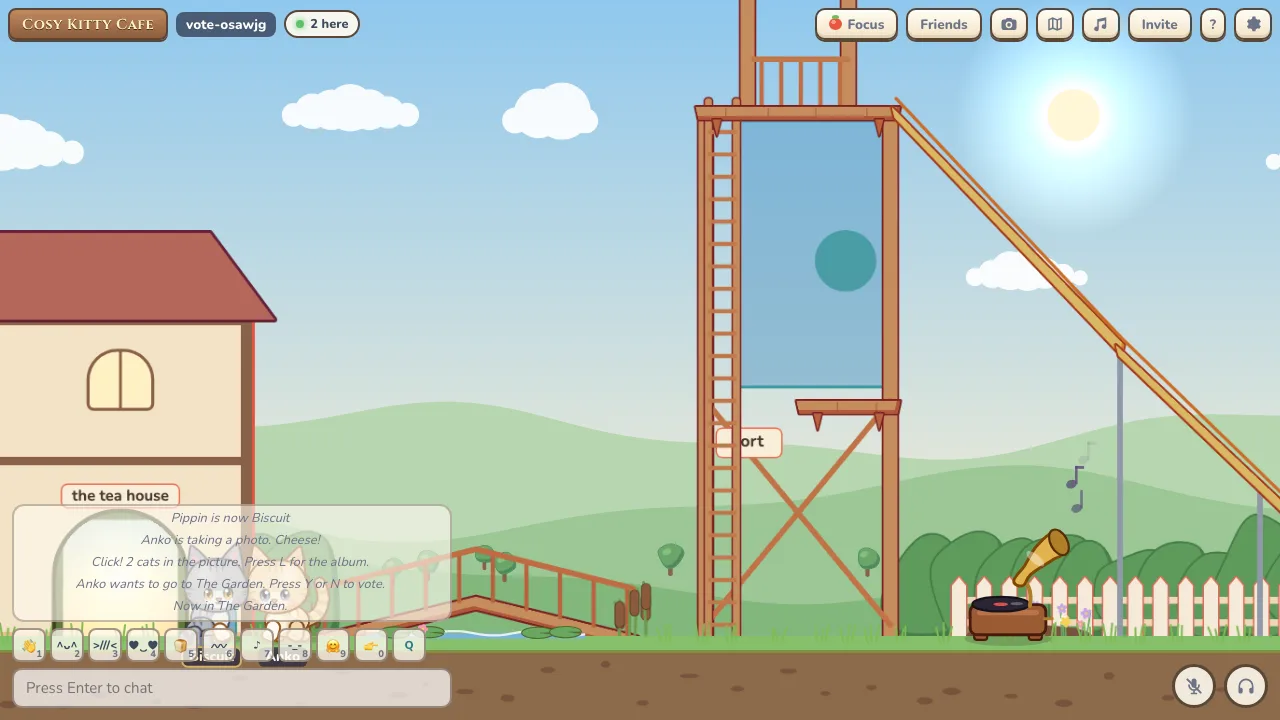
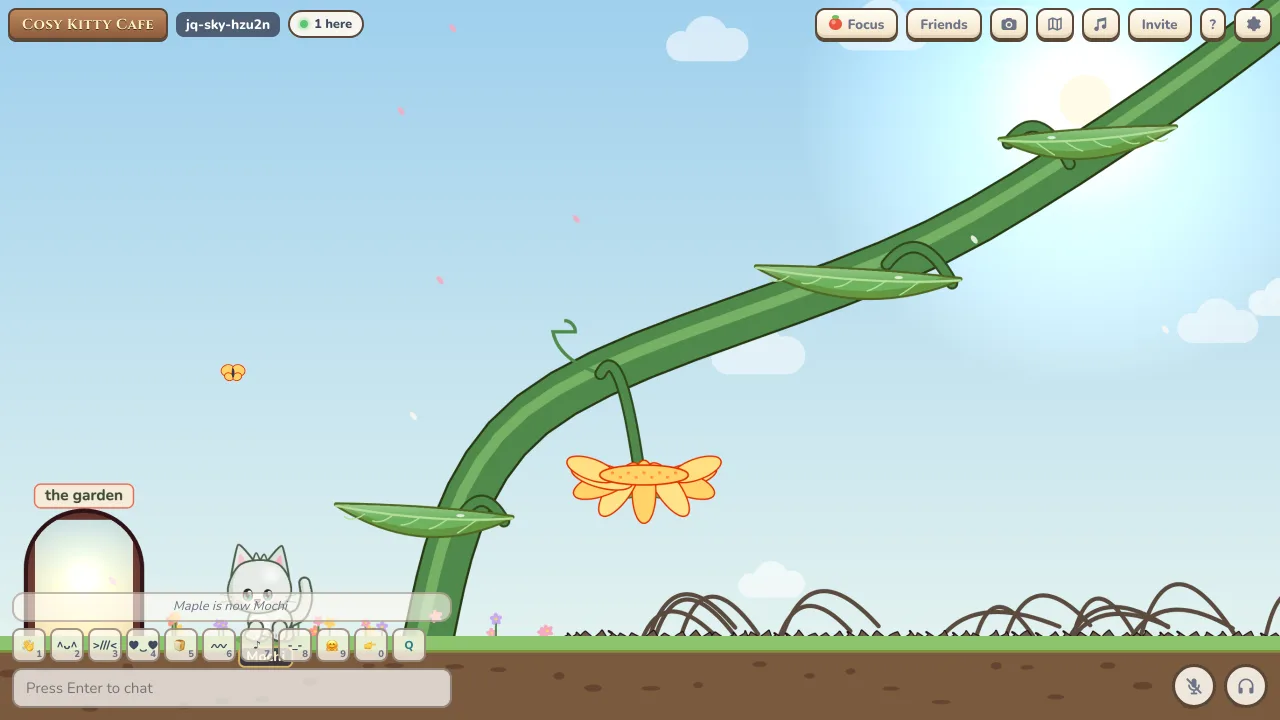
- Garden: A tower, a slide, a pond, bouncy mushrooms and a hammock.
- Night Market: Lanterns, stalls and fish to steal.
- Campfire: A fire, a tent, a stream, a lookout and marshmallows to toast.
Dress-up
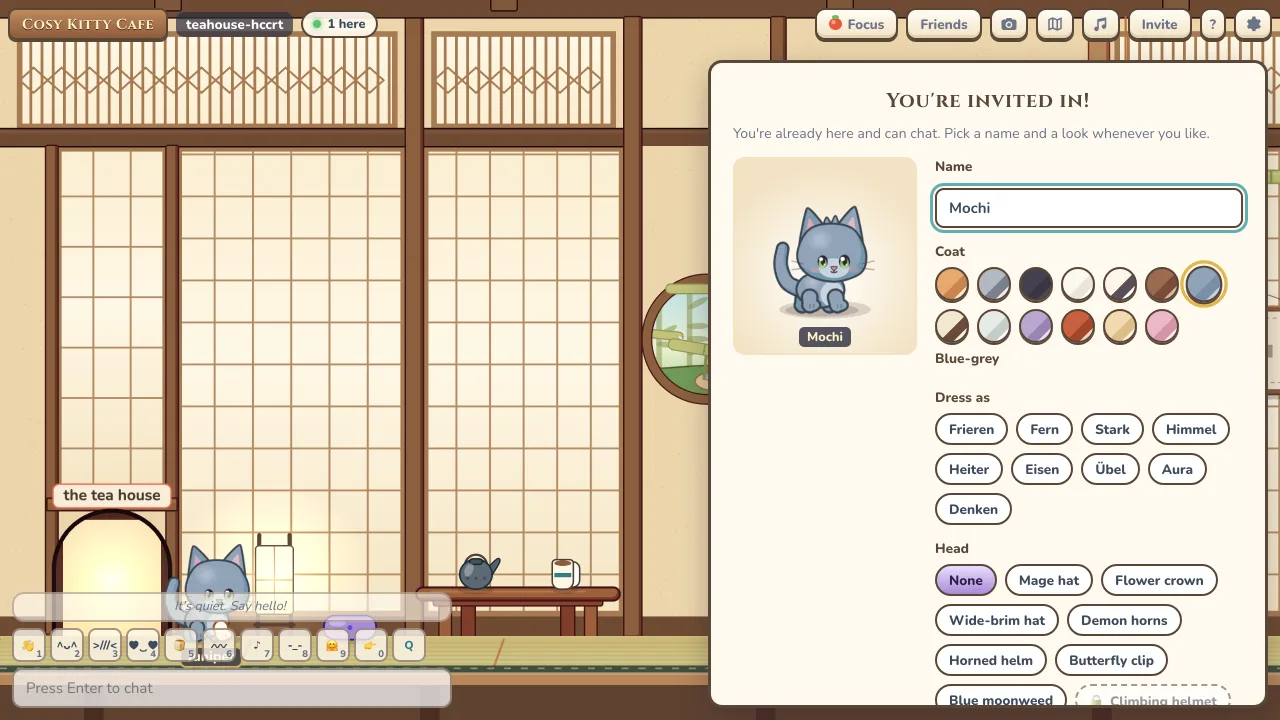
- Name: Up to 16 characters.
- Coats: 13 coats, including tabby, calico, tuxedo, black, white and pink.
- Wear: 29 items across four slots: head, face, shoulders and back. 8 of them are prizes you win from quests.
- Dress as: 9 outfits from Frieren that set the coat and every slot in one click.
- Live preview: Your cat turns as you try things on, and you can change it all later in Settings.
- Idle poses: Cats sit down after 5 seconds of standing still and fall asleep after a minute.
Moving around
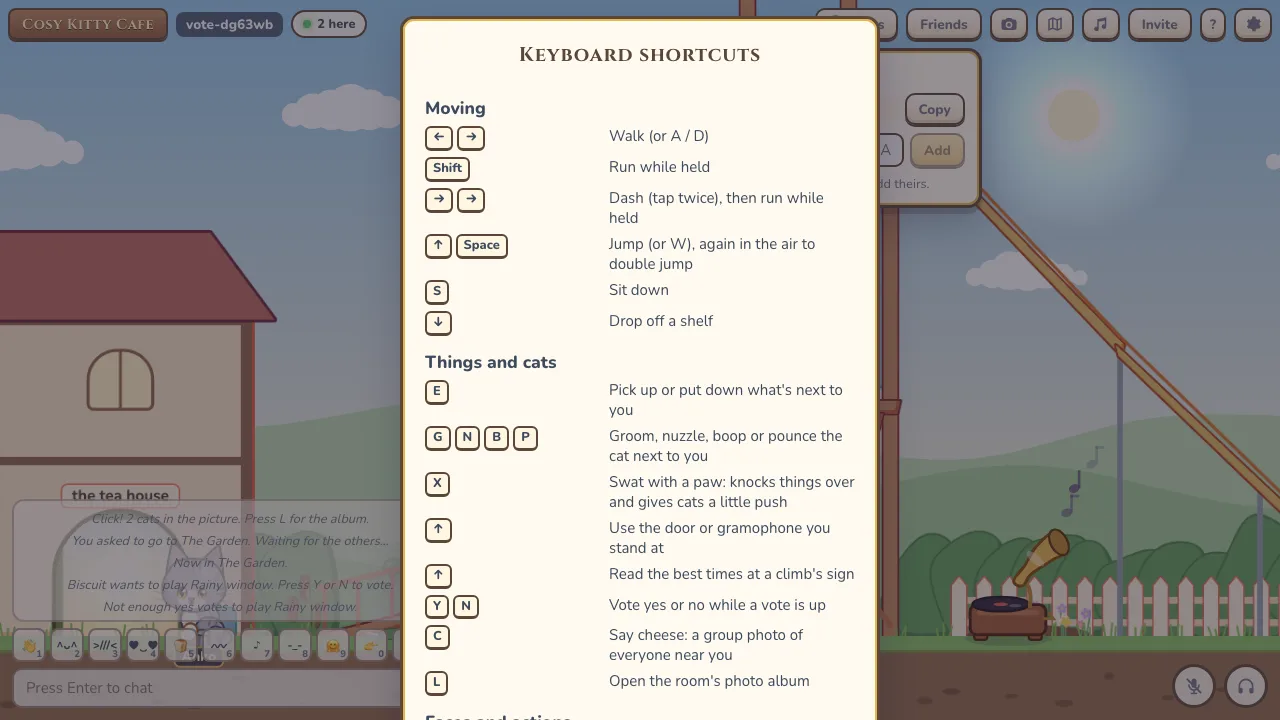
- Walk and run: Arrow keys or A and D to walk, Shift to run, and a double tap to dash.
- Jump: Up, W or Space to jump, again in the air for a double jump. S sits, or crawls while moving, and Down drops through a platform.
- Hidden moves: A rocket jump, an air dash and a fast fall for anyone who goes looking.
- Terrain: Slopes, ice, bouncy cushions and mushrooms, ropes and ladders to climb with Up, lines to hang from, springs, moving platforms, wind and hazards.
- Doors and cats: Press Up at a door to go through and F to use things like the gramophone, signs, the tea master and the bell. Click or tap another cat to open its menu.
- Items: E picks up, carries and tosses yarn, mugs, fish, cushions, books, plants, kettles, marshmallows and tea leaves.
- Cat to cat: Next to another cat, G grooms, N nuzzles, B boops and P pounces.
- Places: Soak in the hot springs, sleep in the tent and toast marshmallows over the campfire.
- Shortcuts: Press ? for a sheet of every key.
Play fighting
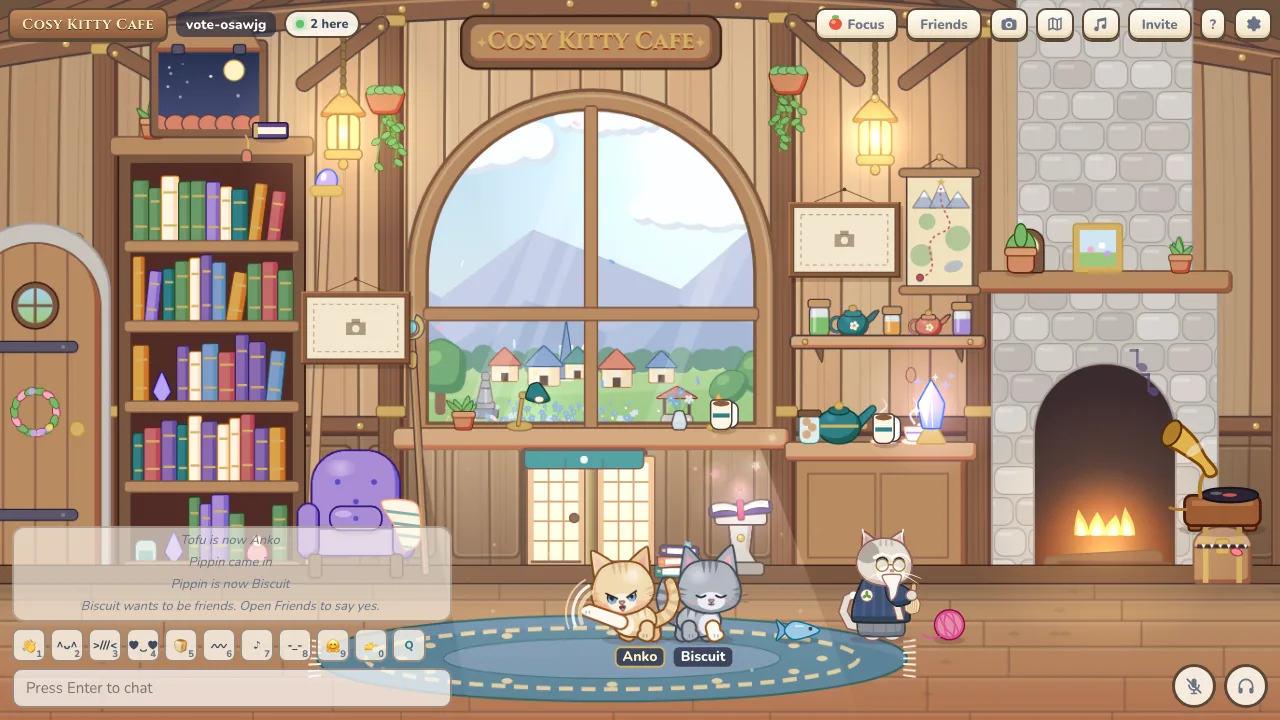
- Swat: X swats a nearby cat, pushing them back with a little hop.
- Kept friendly: A second of safety after each hit, no swats while focusing or between blocked cats, and never into a hazard.
- Optional: Turn play fighting off in Settings and you can’t be swatted.
Jump quests
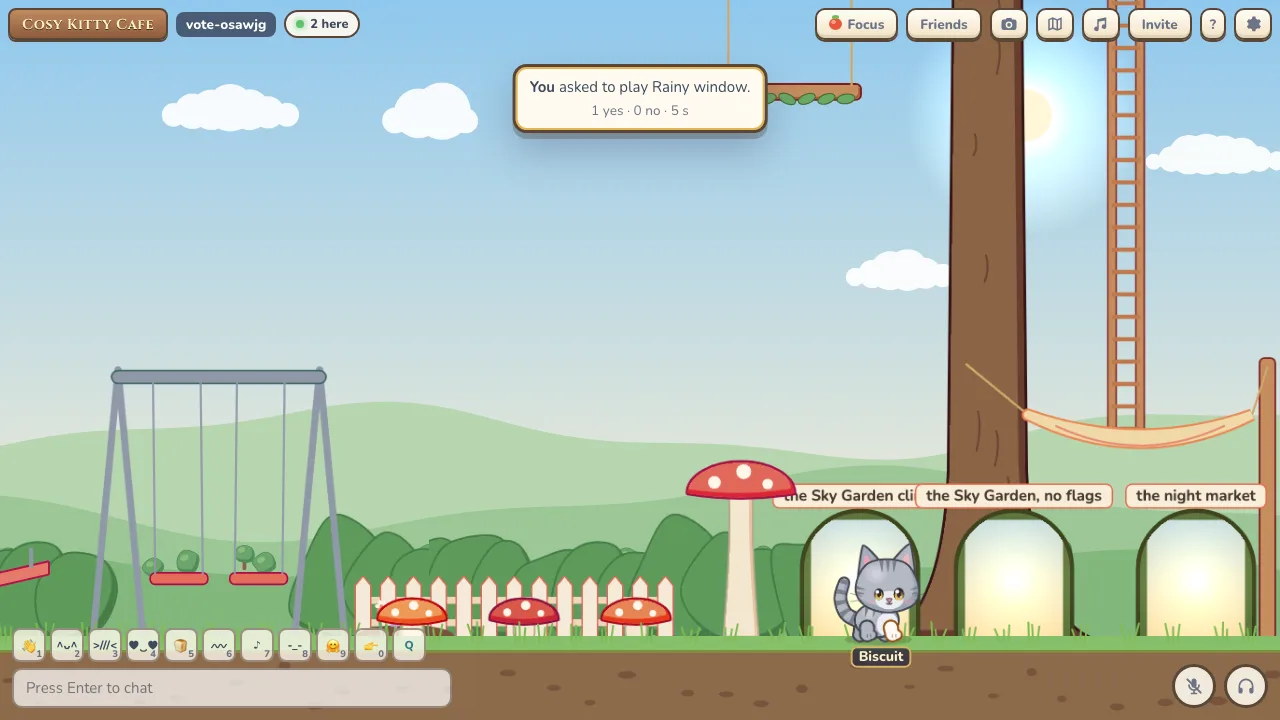
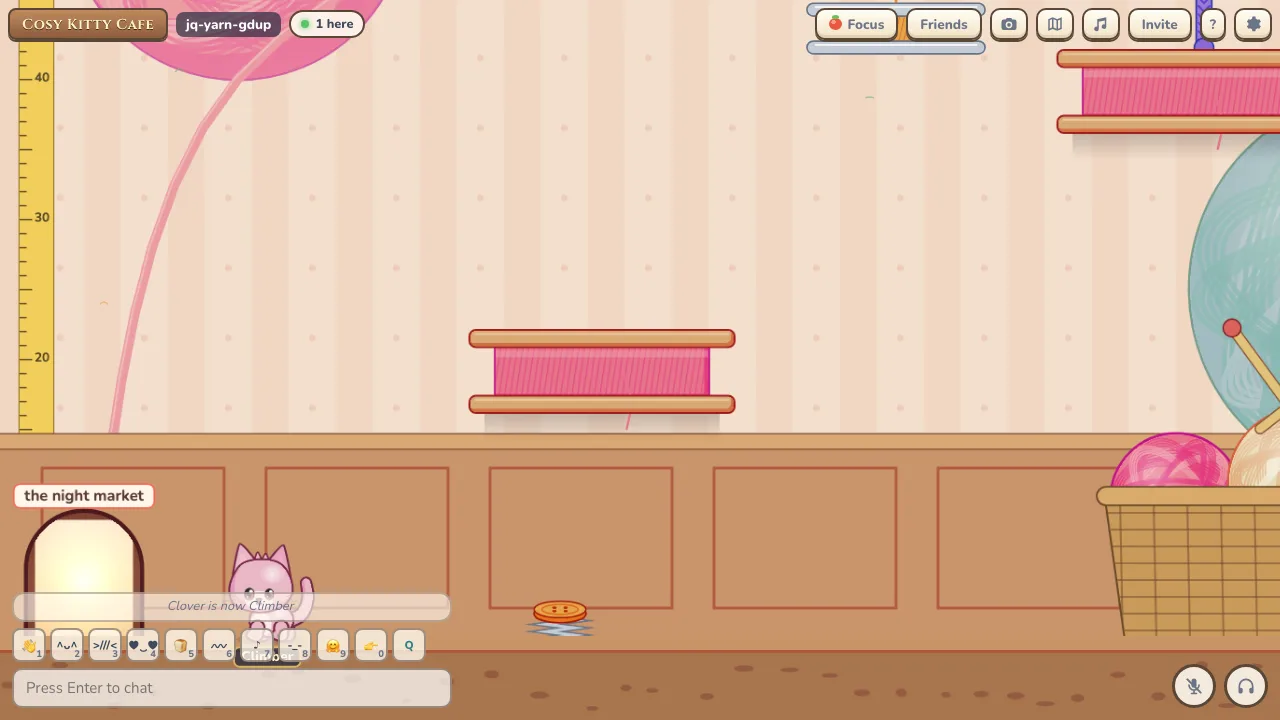
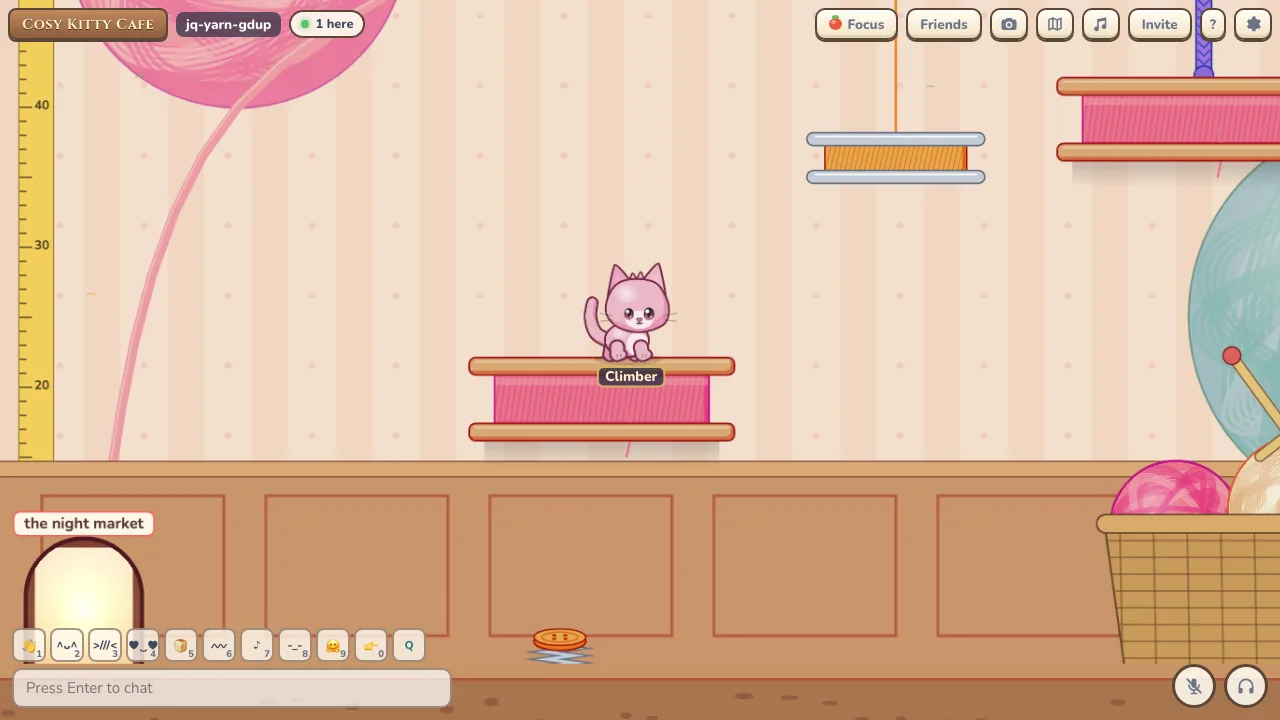
- Climbs: Bookcase Climb, Tower of Yarn, Rooftop Run, Sky Garden, and Sky Garden with no flags for experts.
- Timer and flags: A timer starts when you set off. Flags save your place, and Restart sends you back to the start.
- Stars: One star for finishing and two for beating the par time.
- Prizes: A climbing helmet, a yarn scarf, a rooftop bandana, petal wings and a star halo.
- Best times: A sign at the start shows the top 50 times.
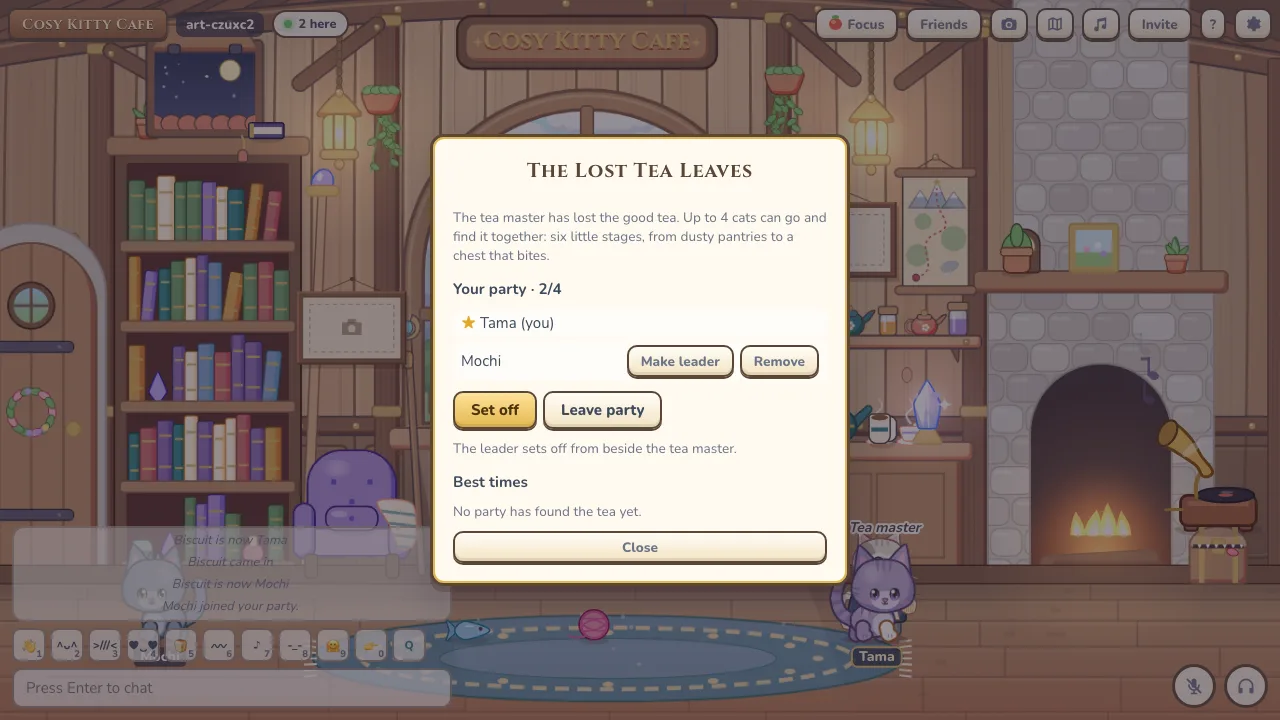
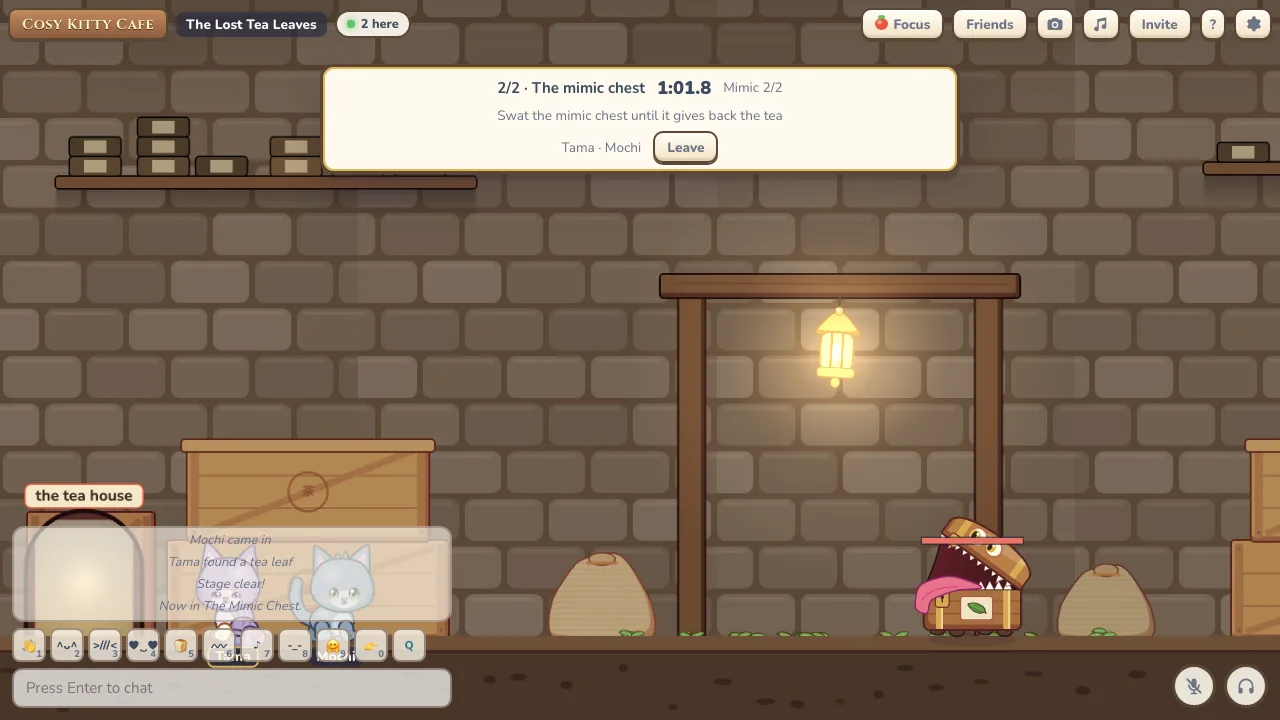
Party quest: The Lost Tea Leaves
- Parties: Invite up to 3 other cats to a party, then press F at the tea master to set off together.
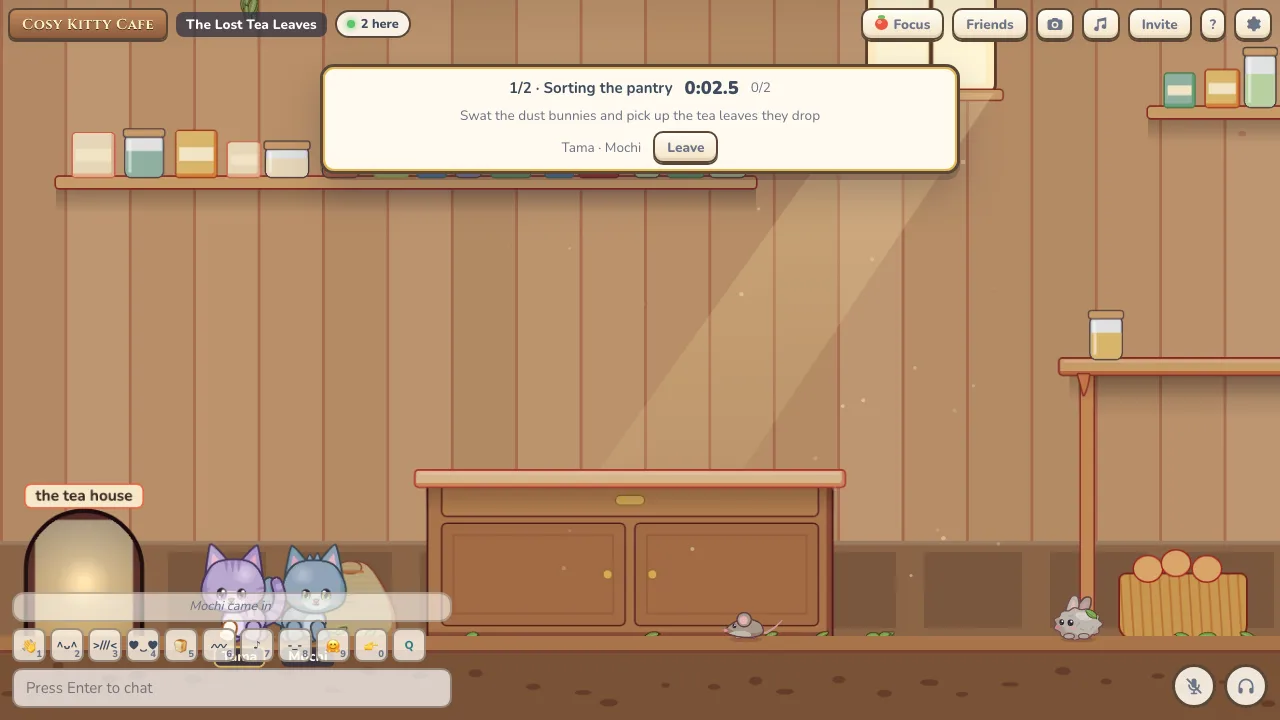
- Six stages: Sorting the pantry, The right jars (a riddle about Sencha, Matcha, Hojicha and Genmaicha), The long shelf, Kettle steam, Quiet hour, and a mimic chest boss with three phases.
- Enemies: Dust bunnies, mice and tea cup crabs.
- Rewards: A tea leaf hat and a tiny teapot, with best times kept for each party size.
Settings
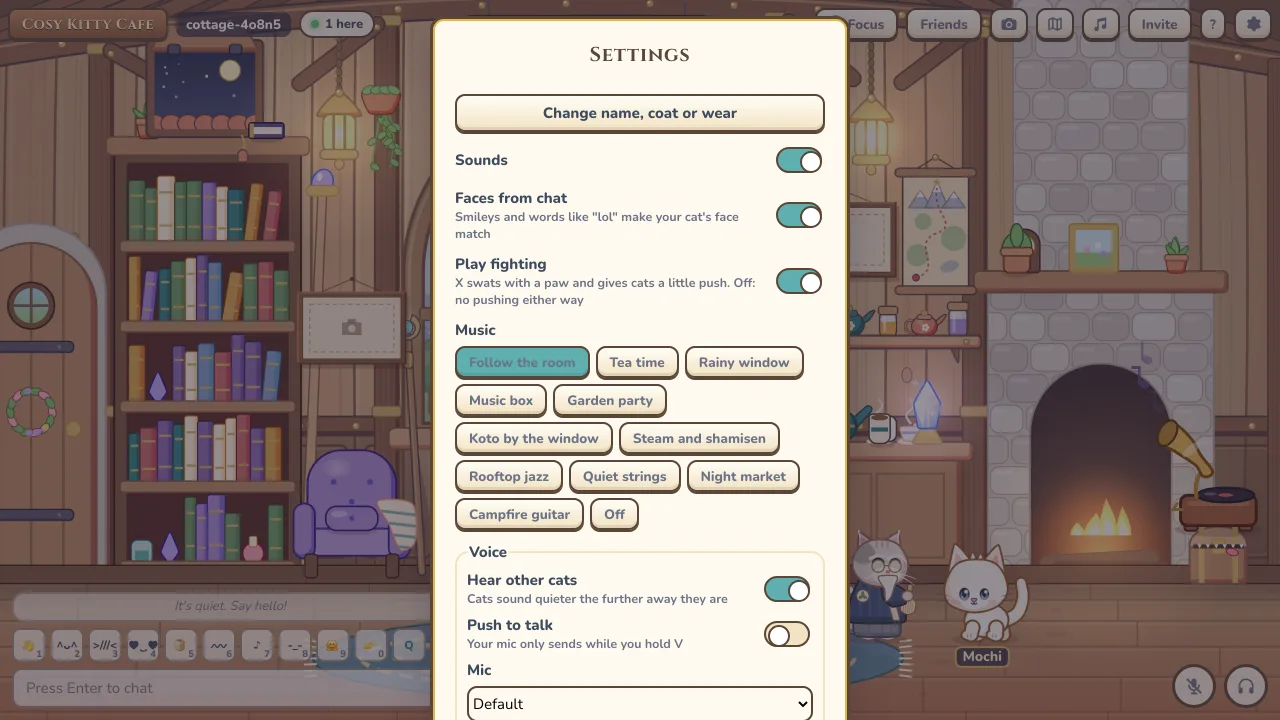
- Your cat: Change your name, coat or what you’re wearing.
- Toggles: Sounds, faces from chat, play fighting, reduce motion and mention notifications.
- Music and voice: Pick music and set up your microphone, speakers and camera.
- App: Install it as an app, or move your cat to another device.
On your phone
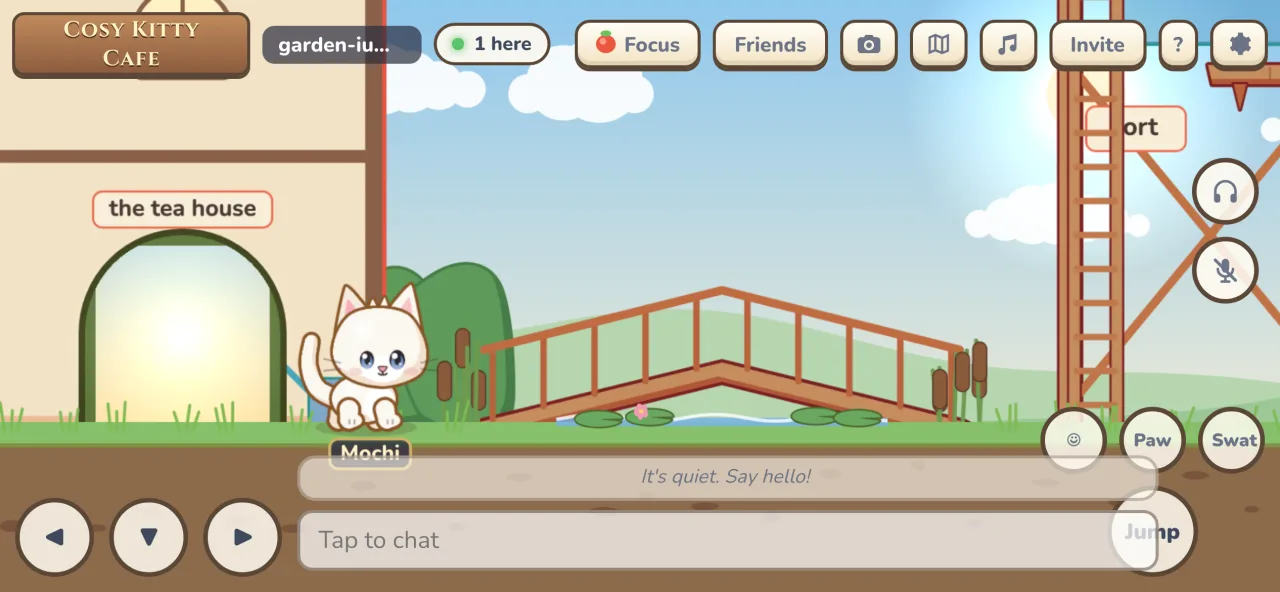
- Touch controls: Buttons for left, down and right, jump, expressions, paw and swat.
- Chat: Tap to chat, and the chat stays above the keyboard.
- Install: Add Kitty Cafe to your home screen and it opens like an app.